


New
Ray-Ban Meta (Gen 3) Charging Case
$99
$99
Add to bag
$99
Add to bag
Free delivery
Free returns
Warranty
Compatible with
Know before you buy
This is a standalone charging case and does not include glasses.
Identical to the Charging Case provided with your Ray-Ban Meta (Gen 3) glasses purchase. However, it is also compatible with select other glasses styles.
Not compatible with Ray-Ban Meta Audio, Meta Ray-Ban Display or Oakley Meta glasses.
What's included
Ray-Ban Meta (Gen 3) Charging Case
*Glasses and USB-C charging cable not included.
Free delivery
Free returns
Warranty
Tech specs
Tech specs
Product dimensions
166.5mm (L) x 50mm (W) x 66.5mm (H)
Weight
133g
Battery
Up to 50 additional hours with fully charged case
Color
Brown
Material
Polyurethane leather outside and microfiber inside
Frequently asked questions
Frequently asked questions
Will the Ray-Ban Meta (Gen 3) Charging Case work with any generation of Ray-Ban Meta glasses?
Yes, Ray-Ban Meta (Gen 3) Charging Case works with Ray-Ban Meta Gen 1, Gen 2, Gen 3 glasses. It is not compatible with Ray-Ban Meta Audio, Meta Ray-Ban Display or Oakley Meta glasses.
How do I charge my Ray-Ban Meta glasses?
To charge your glasses, put them in the charging case and place it on the nose bridge inside the charging case*. You'll know your glasses are charging when the case LED blinks after you've docked them and closed the case. You can also see a charging icon in the Meta AI app.
*The first time you charge your glasses you will need to remove the protective plastic tab from the metal charging connections on the case.
How do I charge the Ray-Ban Meta (Gen 3) Charging Case?
To charge your case: Connect the case to a power adapter using a USB-C cable by plugging it into the bottom of the charging case.
Plug the power adapter into a wall outlet.
Charging cable requirements:
Power adapter requirements:
Charging cable requirements:
- USB-C to USB-C or USB-C to USB-A (compliant with USB-C Standard)
- Any generation of USB should be compatible
- At least 1.2A Current Rated (lower current rated cables still work but at slower charge speeds)
Power adapter requirements:
- USB-C or USB-A Compliant Chargers
- 5W or greater (lower wattage chargers likely still compatible but charge times could be slower)
- USB-PD (Power Delivery) not a requirement
How do I check the charge level of my glasses and case?
Your glasses and case each have a battery that requires charging. You can check the charge level of your devices using the Meta AI app or your charging case. From the Meta AI app:
From your charging case:
- When your glasses are connected to the Meta AI app, you'll be able to see the charge status of your glasses on the home screen in the top left.
-
You can also view the charge level of your glasses by tapping . If your glasses are docked in the case, you can also view the charge level of your case.

From your charging case:
- The charging case has an LED on the front that shows the charge level of your glasses and case.
- Green solid light: glasses fully charged
- Orange solid light: glasses charging
- Red blinking light: charging error
Is this the same charging case as the one included with my Ray-Ban Meta (Gen 3) glasses?
Yes, this is the same charging case that comes in-box with the Ray-Ban Meta (Gen 3) glasses.
You might also like

Ray-Ban Meta (Gen 3) Wayfarer Matte Black Clear Lenses
$449
Add to bag
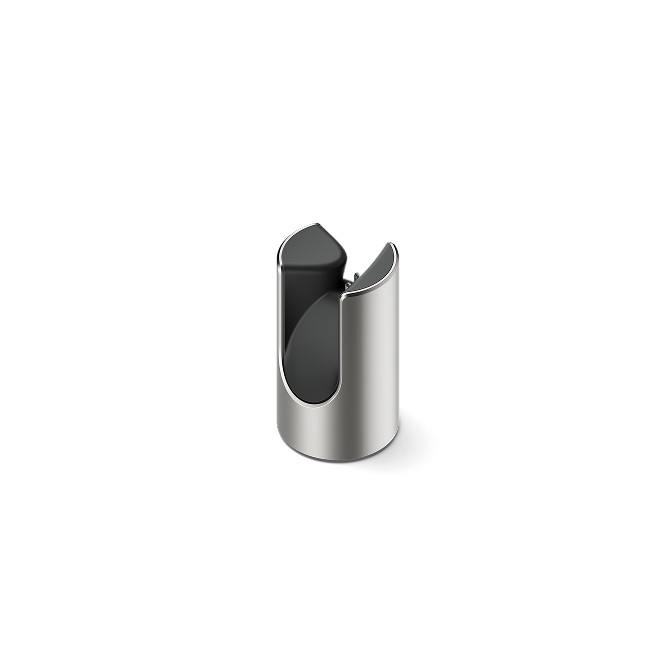
Meta Glasses Charging Stand
$59
Add to bag
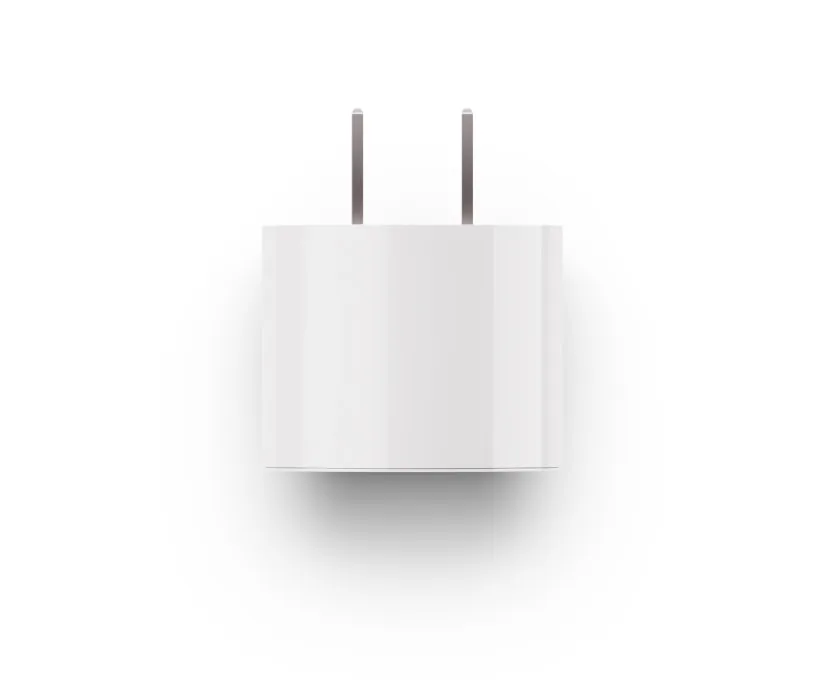
Meta Power Adapter 18W USB-C
$39.99
Notify me
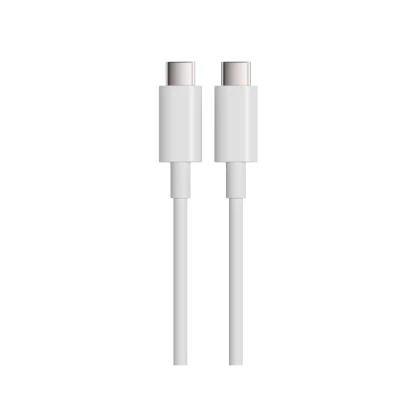
Meta USB-C Charging Cable (1m)
$24.99
Add to bag
New
Ray-Ban Meta (Gen 3) Charging Case
$99
$99
Add to bag
$99
Add to bag
Free delivery
Free returns
Warranty
Compatible with
Know before you buy
This is a standalone charging case and does not include glasses.
Identical to the Charging Case provided with your Ray-Ban Meta (Gen 3) glasses purchase. However, it is also compatible with select other glasses styles.
Not compatible with Ray-Ban Meta Audio, Meta Ray-Ban Display or Oakley Meta glasses.
What's included
Ray-Ban Meta (Gen 3) Charging Case
*Glasses and USB-C charging cable not included.
Free delivery
Free returns
Warranty