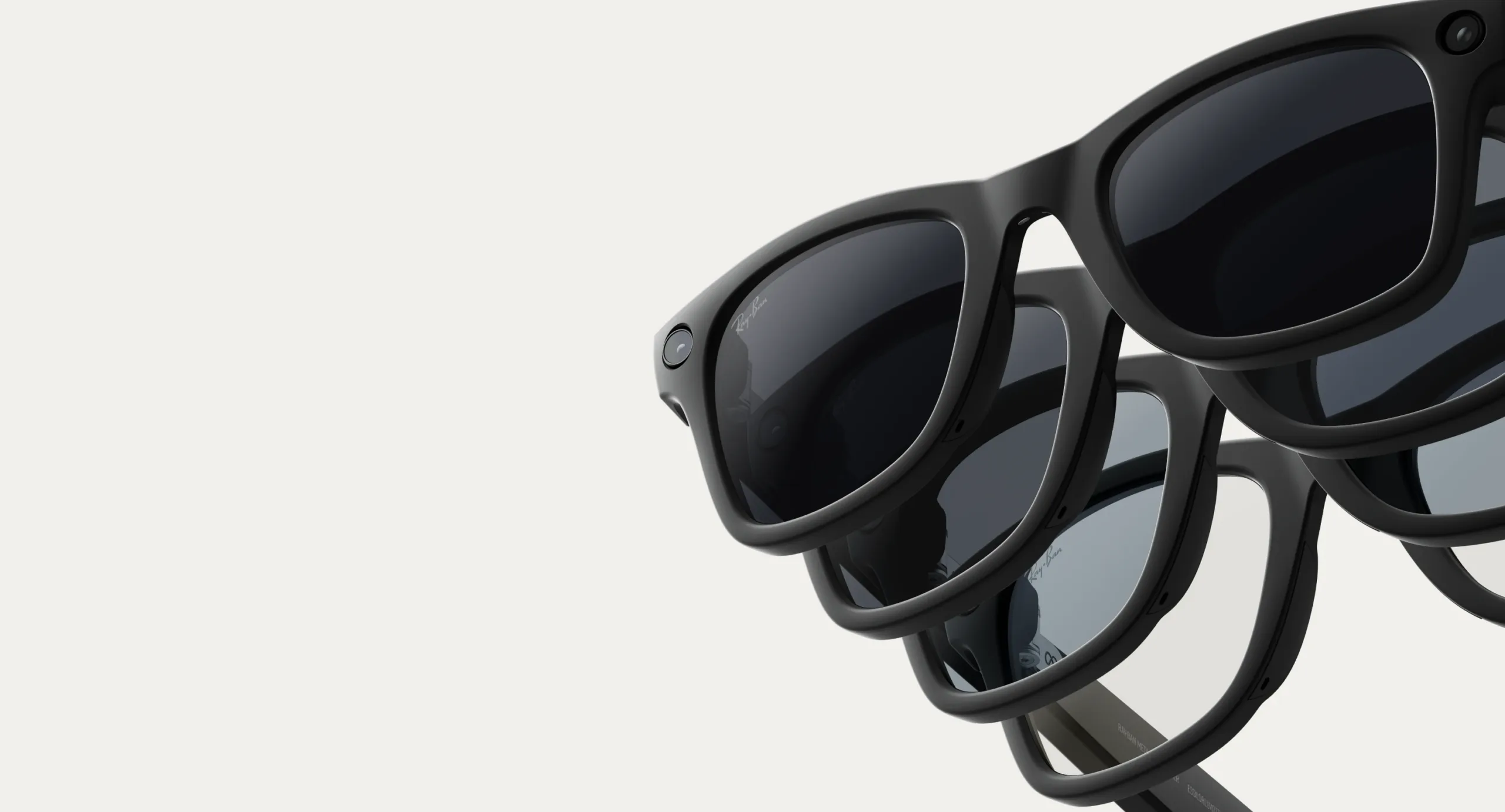
Non-Rx lens AI glasses: Sunglasses and transitions
Capture every moment, from sunlight to shade, and stay connected with AI glasses that adapt to your world, including Transitions® and blue light filtering.

See your own way
Experience a new way to see and connect with non-Rx lens AI glasses from Meta. Capture life with a 12 MP camera on Ray-Ban Meta and Oakley Meta glasses, and get real-time answers from your Meta AI-powered voice assistant. The lenses adapt to light, filter blue-violet light and provide 100% UV protection — ideal for anyone seeking style with smart functionality.

Transition lenses
The right lens in any light
See clearly wherever you are. Your non-Rx lens AI glasses reduce screen glare and filter blue-violet light indoors, then darken outdoors for 100% UV protection and added comfort in changing light.
Versatile lens options
Lenses for all conditions
Your vision, your choice. Choose from non-Rx, prescription, Transitions®, blue light filtering, or polarized lenses—each with sharp vision and 100% UV protection. Oakley Prizm™ lenses, now available in additional color options, are only for select Oakley models.


Voice assistant
Effortlessly connect hands-free
Stay in the moment without missing a beat. Say, “Hey Meta” to make calls, send messages or capture photos and videos. Meta AI pairs with your phone via Bluetooth to handle it all hands-free.
Immersive audio
Tune in without tuning out
Enjoy your music and calls while staying tuned into the world around you. Open-ear speakers deliver rich sound, and a five-mic array keeps your voice clear. Pair via Bluetooth and control volume with a quick, “Hey Meta” or temple touch.


Find your perfect match
Frequently asked questions
Can I use AI glasses from Meta without prescription lenses?
Yes! Ray-Ban Meta and Oakley Meta AI glasses come as non-prescription glasses by default. Choose clear, plano, sunglass tints or Transitions® lenses that adapt to sunlight — all while enjoying the full AI experience.
Can AI glasses from Meta be fitted with prescription lenses?
Most models are prescription-ready. Ray-Ban Meta glasses (Gen 1 and Gen 2) and Oakley Meta HSTN support prescription lenses.
Can I try the glasses virtually before buying?
Yes. The Meta Store on Meta.com offers a "Virtual Try-On" for Ray-Ban Meta and Oakley Meta AI glasses. This feature is available on your phone, computer or any other camera-equipped mobile device. It allows you to see a 3D representation of each frame on your face from various angles. For a hands-on experience, you can also book an in-store demo.
Do AI glasses from Meta offer blue light filtering lenses?
Yes. Ray-Ban Meta and Oakley Meta AI glasses offer blue light filtering lenses to help reduce eye strain from screens and artificial light. Choose clear lenses with the filter for indoor use, or Transitions® lenses that filter blue light indoors and block UVA/UVB rays outdoors. You can also add the blue light filter to prescription lenses, making your AI glasses comfortable and protective in any light.
How do I pair and unpair AI glasses with the Meta AI mobile app?
Turn on your glasses by sliding the power switch forward, then place them in the case so the nose bridge touches the charging port. Wait for the LED to flash blue, open the Meta AI app and tap the Add Device option. Follow the on-screen instructions to pair. To unpair, go to device settings in the app, tap Unpair and Forget them in your phone's Bluetooth if needed. Check the compatible devices list to ensure your phone works with the AI glasses.
What is the battery life of AI glasses from Meta?
Battery life depends on the model. Ray-Ban Meta (Gen 1) glasses offer up to 4 hours, while Ray-Ban Meta (Gen 2) supports up to 8 hours of use. Oakley Meta HSTN lasts up to 8 hours of typical use or 5 hours of continuous audio. Oakley Meta Vanguard delivers up to 9 hours of typical use or 6 hours of continuous audio.
Where can I learn more about privacy and data?
Visit the Meta Help Center or your region's Privacy page to learn how your media and data are stored and protected. These resources also explain cloud-based AI features and how you can manage and control your information.


