Front view of Logitech MX Ink mixed reality stylus showing sleek black design, pointed tip and illuminated LED
Angled view of Logitech MX Ink mixed reality stylus highlighting side button and branding
Detail view of Logitech MX Ink mixed reality stylus tip and LED indicator
Close-up view of Logitech MX Ink mixed reality stylus side button and logo
Rear view of Logitech MX Ink mixed reality stylus showing tapered body and branding
Meta logo

Logitech MX Ink Mixed Reality Stylus

Create and collaborate in virtual reality like never before with this stylus designed exclusively for Quest. It can be used simultaneously with Quest controllers, so you can switch between them without interrupting your workflow.
Not available
Not available
Not available
Free delivery
Free returns
Warranty
Compatible with
What's included
What's included
Logitech MX Ink mixed reality stylustwo replacement tips (one fine and one wide)quick start guideuser documentation
Free delivery
Free returns
Warranty

Product details
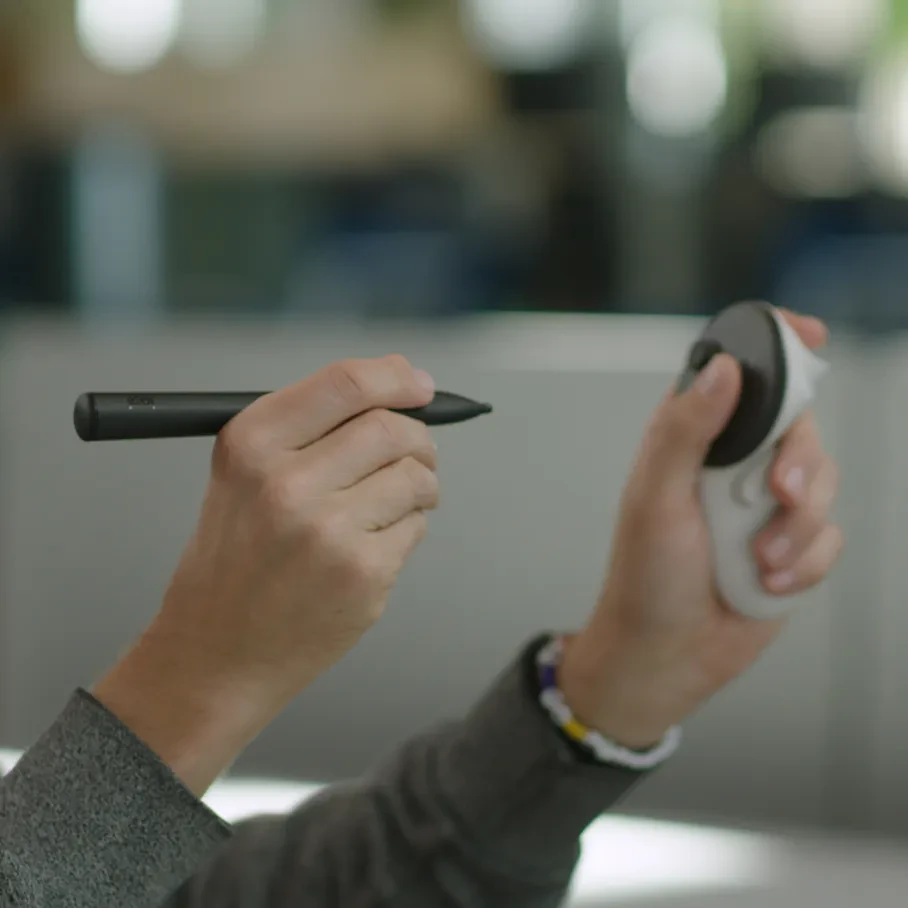
Person using Logitech mixed reality stylus and Meta Quest controller

Take full control

Maximise your creativity with this stylus that lets you sketch, grab, move and manipulate objects in virtual reality. Designed to be familiar, fluid and precise, the MX Ink offers 3 controls at the front, a tip for 2D interactions, a Meta button at the top and even haptic feedback.
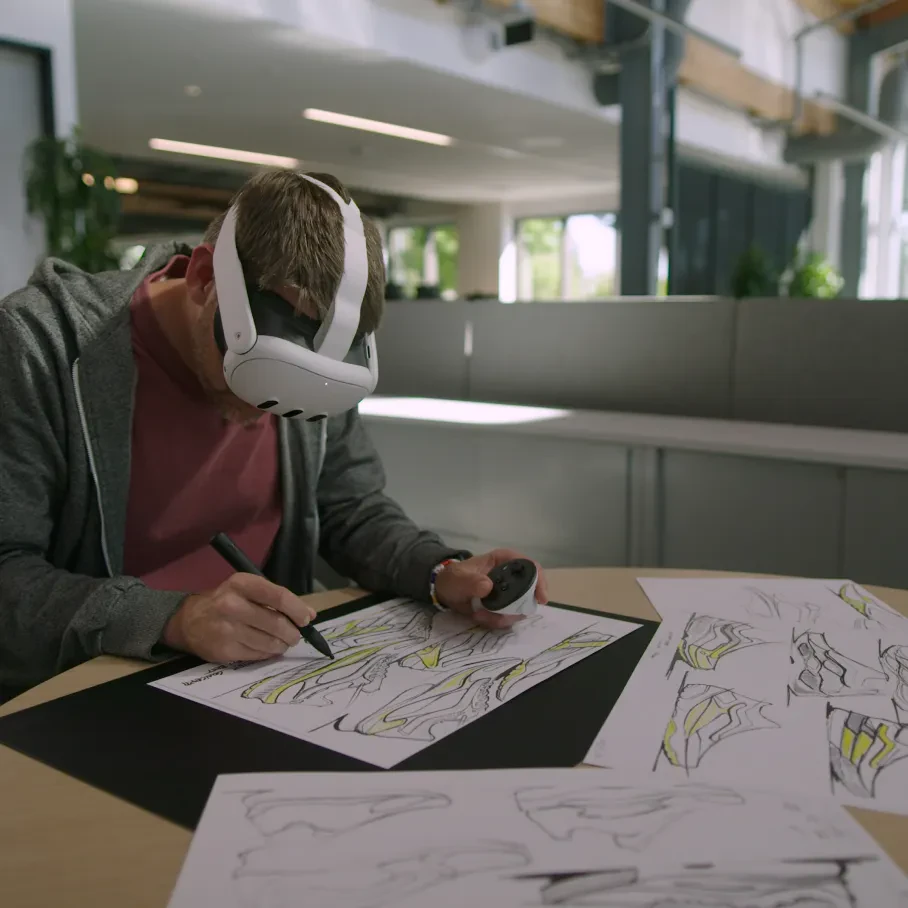
Person drawing using Logitech mixed reality stylus and Meta Quest controller and wearing Meta Quest 3 headset

Seamless 2D to 3D

Plan multi-modal workshops with the standard 2D paper/pen/desk that seamlessly transition into 3D room-scale space with immersive point-and-click control.

Person using Logitech mixed reality stylus and Meta Quest 3 headset looking at boots

Imagination comes alive

With the stylus' responsive, adjustable and pressure-sensitive tip and pressure button, your paintbrush can feather and widen, your sculpting can dig deeper, your notes can be emphasised and more.
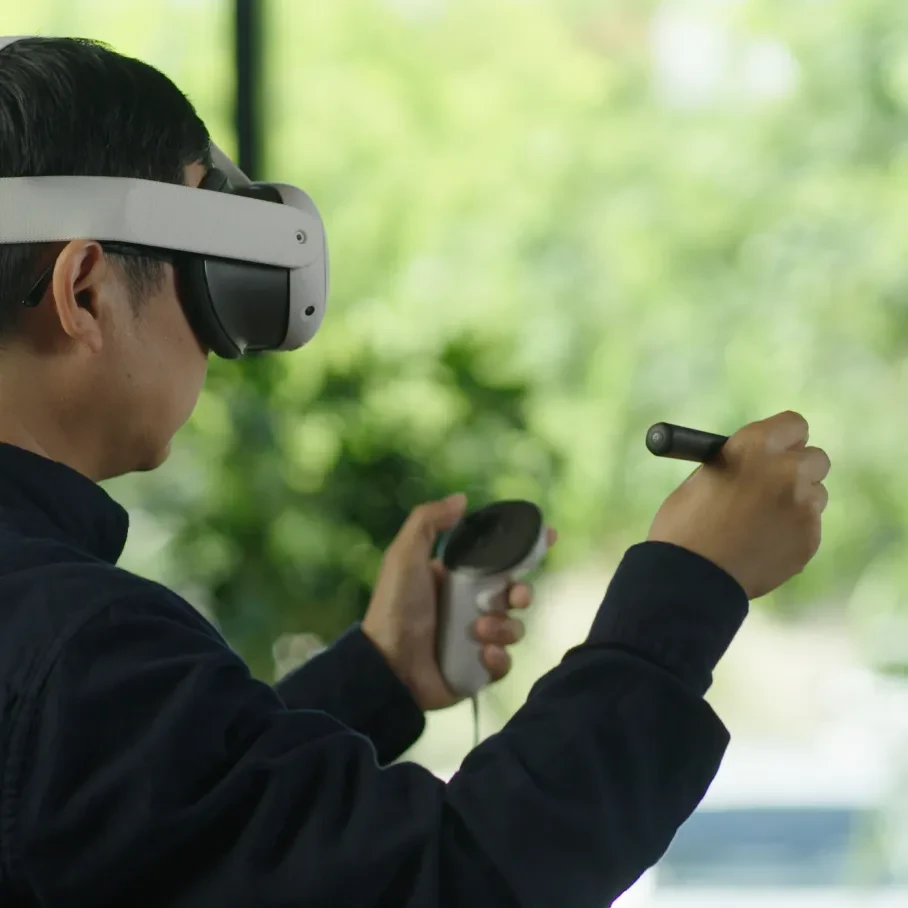
Person using Logitech mixed reality stylus and Meta Quest controller wearing Meta Quest 3 headset

Make it your own

Customise the MX Ink any way that you want, from right- or left-hand selection to button mapping to adjusting the pressure curves for the tip and pressure button.
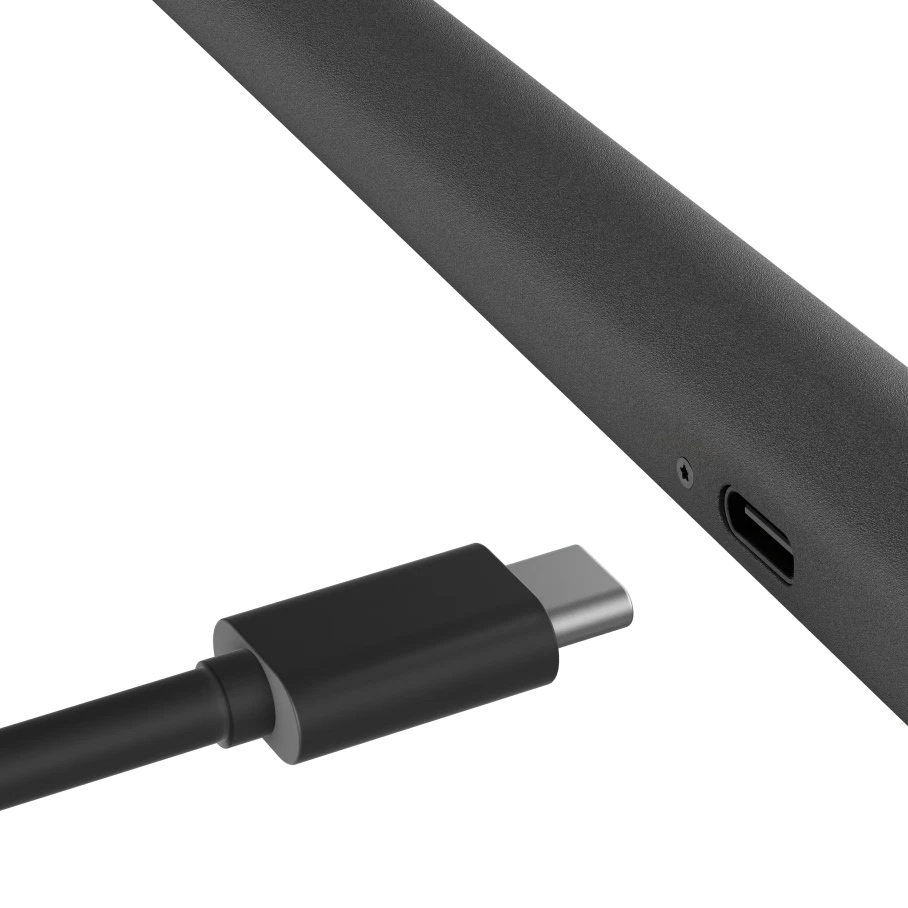
Logitech mixed reality stylus charging using USB-C cable

Performance grade

Not only is it engineered for maximum immersion and tactility, the MX Ink offers the same button feel, pressure sensitivity and low latency as Quest controllers. Recharging is also simple and elegant with the USB-C port (cable sold separately).

Made for Meta
Made for Meta makes discovering high-quality hardware accessories easier than ever. Look for this badge to find products from trusted brands – designed just for Meta devices.

Tech specs

Product dimensions

18 mm (L) x 17 mm (W) x 164 mm (H)

Weight

29 g

Colour

Black

You might also like

Carrying case for Meta Quest 3/3S

Carrying case for Meta Quest 3/3S

NOK950
Add to bag
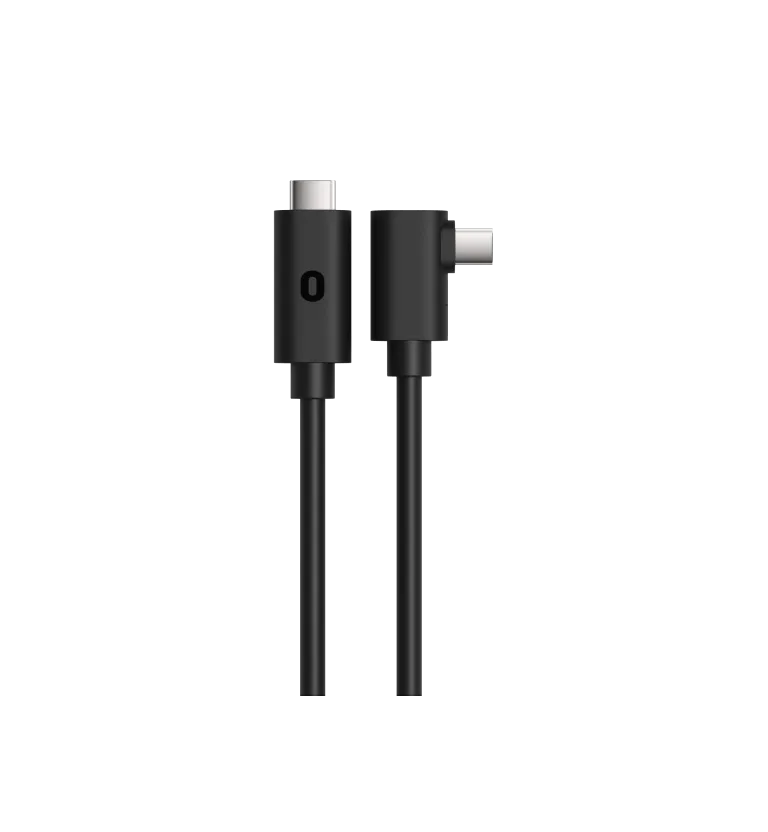
Meta Quest Link cable

Meta Quest Link cable

NOK1,219
Add to bag
Meta logo

Logitech MX Ink Mixed Reality Stylus

Create and collaborate in virtual reality like never before with this stylus designed exclusively for Quest. It can be used simultaneously with Quest controllers, so you can switch between them without interrupting your workflow.
Not available
Not available
Not available
Free delivery
Free returns
Warranty
Compatible with
What's included
What's included
Logitech MX Ink mixed reality stylustwo replacement tips (one fine and one wide)quick start guideuser documentation
Free delivery
Free returns
Warranty