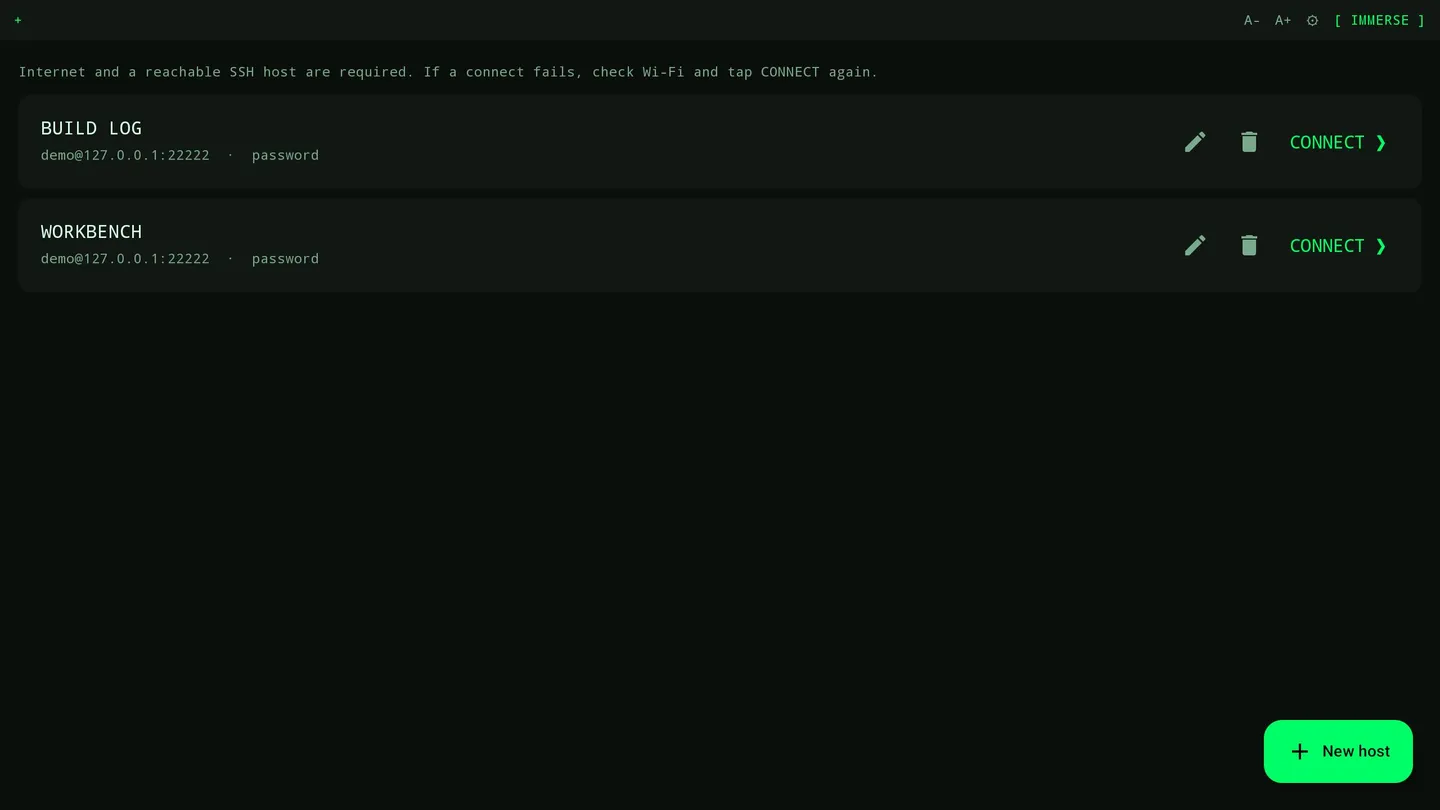
Connect your Quest directly to your own SSH server with moshVR. No PC streaming or companion app is required.
Use password or SSH key authentication, open multiple terminal sessions, and choose a 2D panel or an immersive terminal wall. Optional passthrough and a dark digital-rain environment let you choose your workspace.
For mosh, install mosh-server on your host and allow its UDP ports. Mosh can recover from network interruptions while the app remains running; terminating the app ends the local session.
Compose text, review it, then send it to your host. Optional cloud speech converts recordings into editable text using your own transcription provider API key. STOP uploads audio to the configured HTTPS provider. Speech requires explicit consent and confirmation that you are 18 or older and eligible to use the provider. Core terminal features work without speech or microphone access.
Requirements: a reachable SSH server and network access. Local-network hosts can work without public Internet; cloud speech needs access to the chosen provider. No moshVR account is required.
Early Access: features and supported workflows are still evolving.