NaviiSphere
Media
Add to wishlist
Share
Flag this app

Get

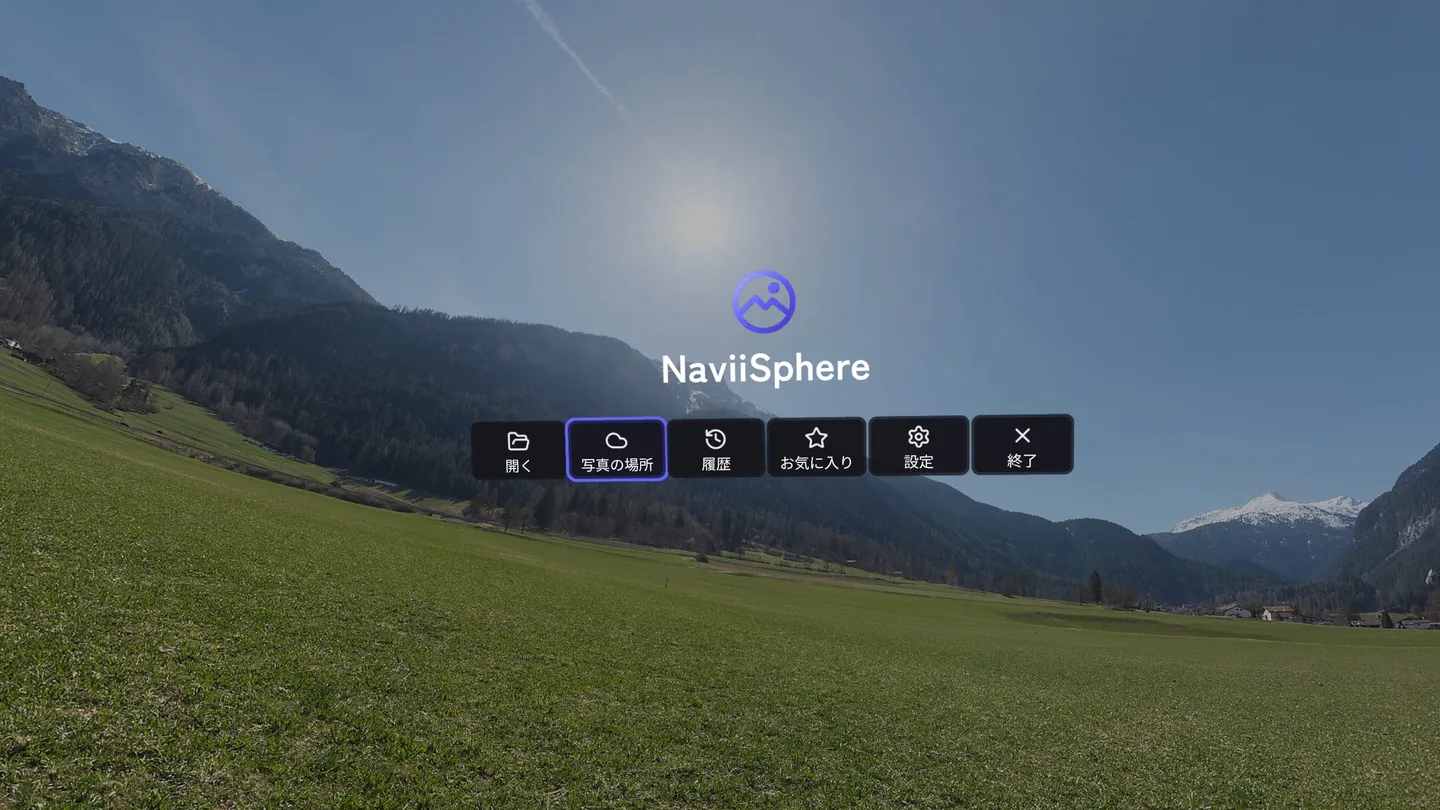
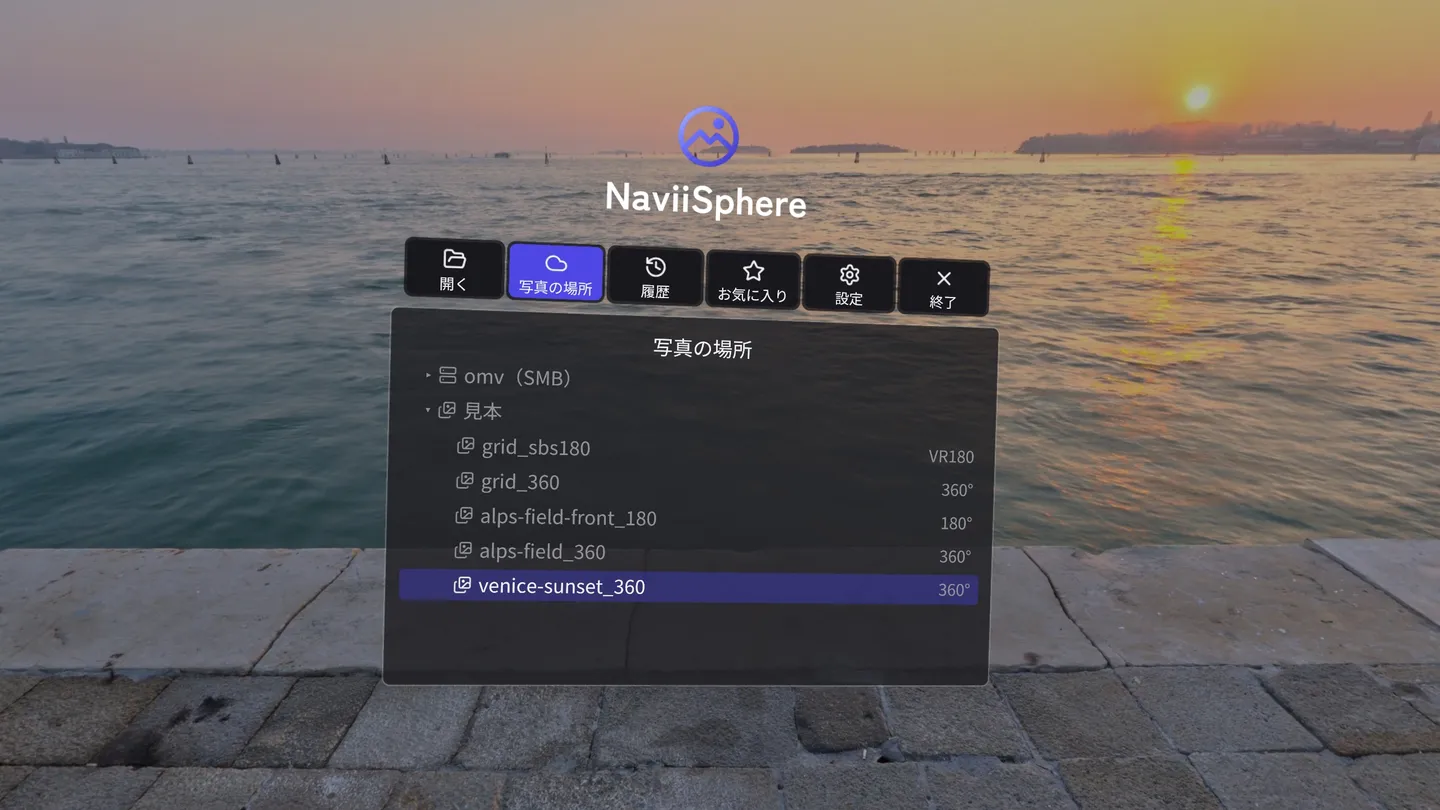
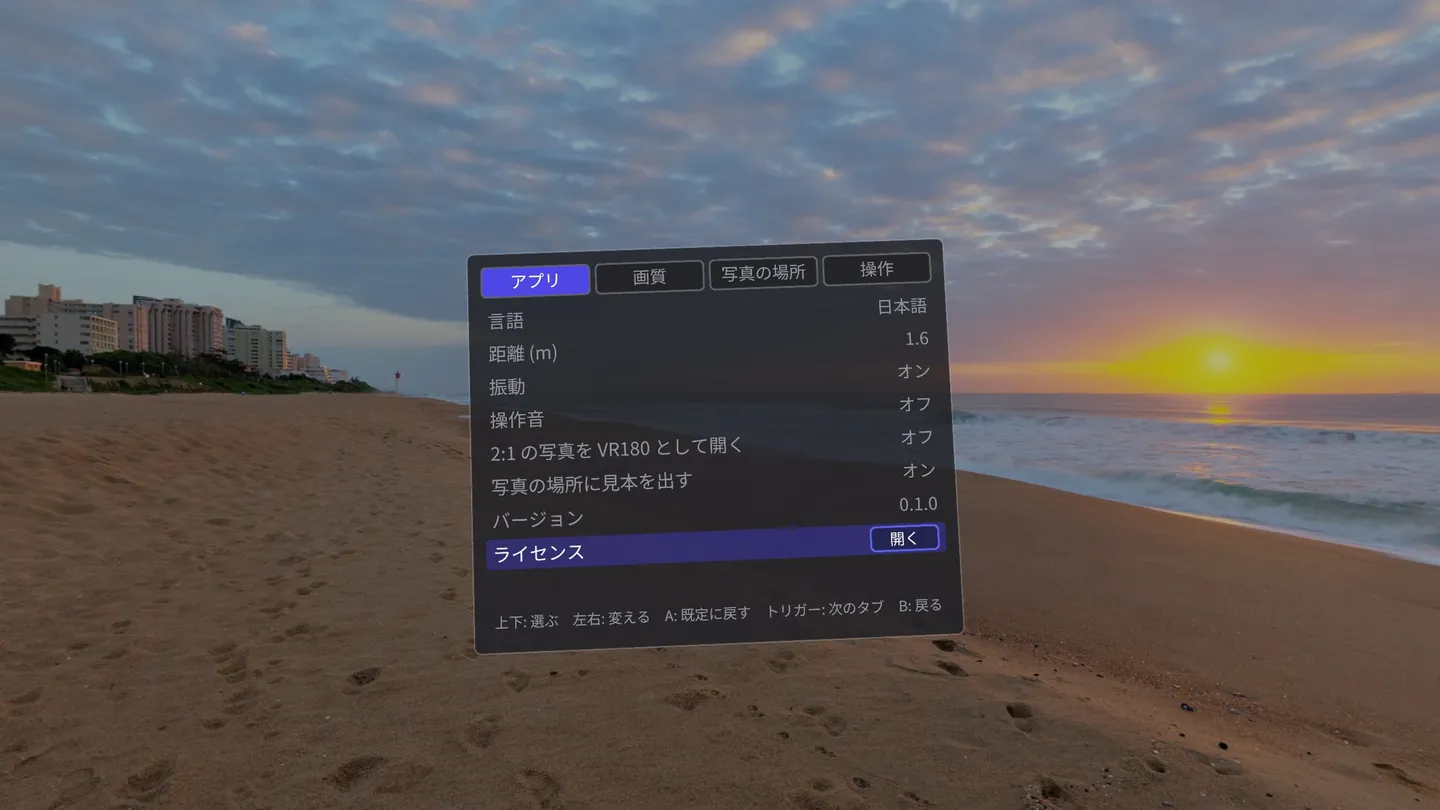
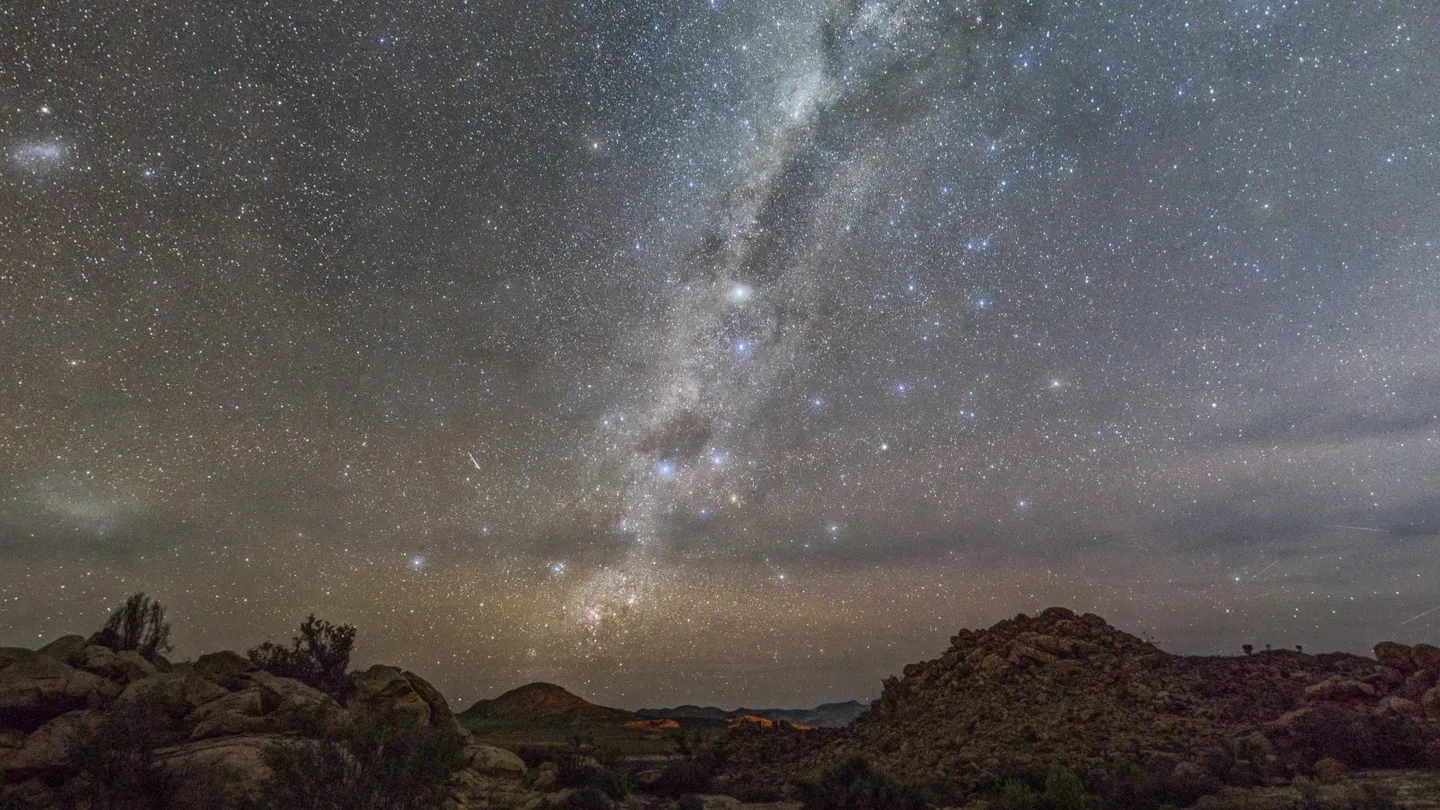
Stand inside your 360° and VR180 photos in Meta Quest. Open the photos on your NAS (SMB shared folders) or on your Quest, just as they are.
■ Stand in the photo
・A 360° photo surrounds you, from overhead to your feet
・Turn it with the thumbstick; hold the trigger and push up or down to zoom
・Press the stick to make the way you face its front, even lying down
■ 360°, 180° and VR180
・360° photos, 180° photos, side-by-side stereo VR180 and over-under stereo 360°
・The file name and the shape decide which; tap the grip to try the next
■ Your NAS or this Quest
・Connects straight to SMB (NAS, shared folders): open a folder and pick
・An 8192×4096 photo opens in about a second
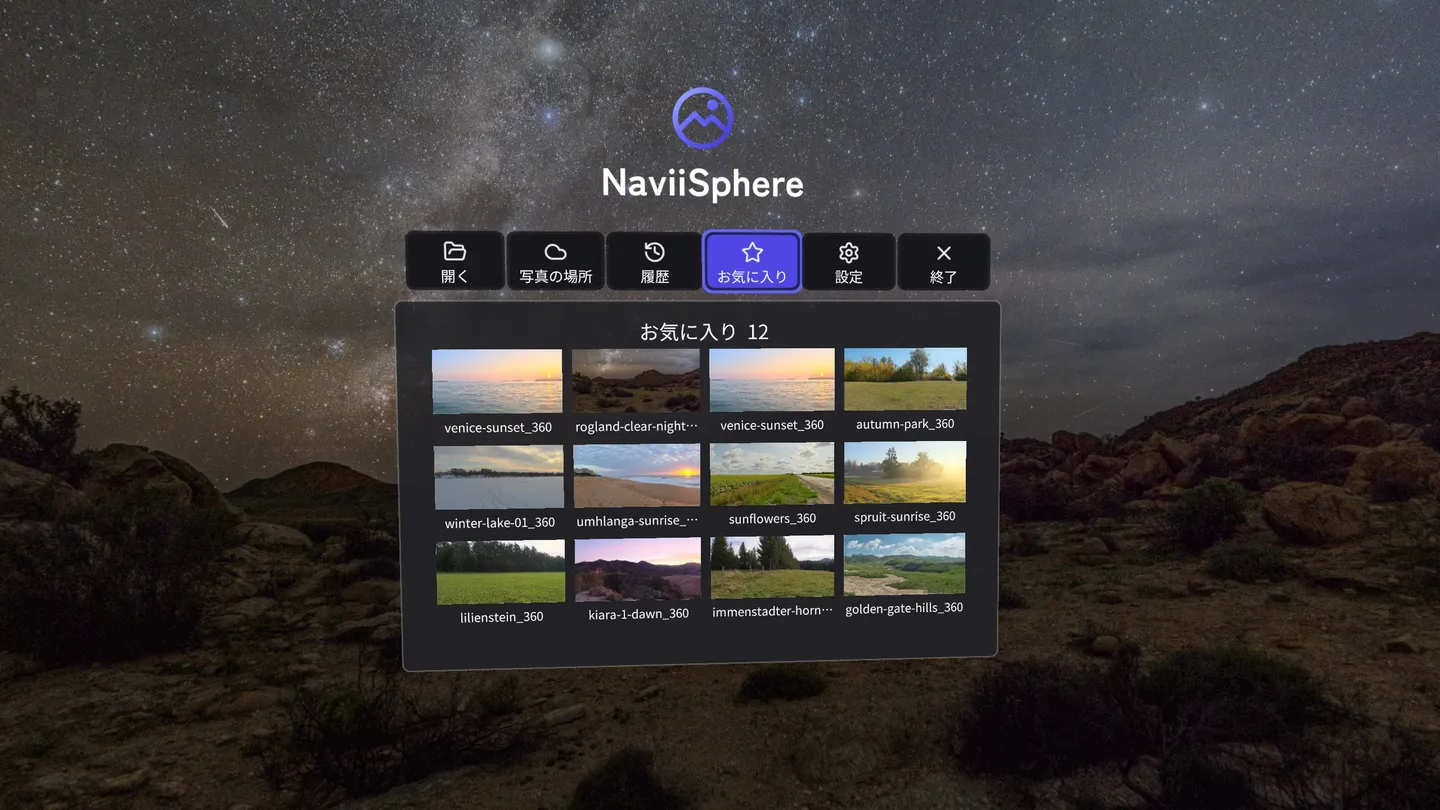
■ Favorites and history
・Press B to star a photo; favorites line up as small pictures
・Trigger + stick left or right: the next photo in the folder
■ One hand does it all
・Either controller does everything, the same way
Sample photos are included, so you can try it right away.
No data is collected and there are no ads.
Photos in the screenshots: Poly Haven (CC0)