Rekha
Creativity • Learning
Add to wishlist
Share
Flag this app

Get

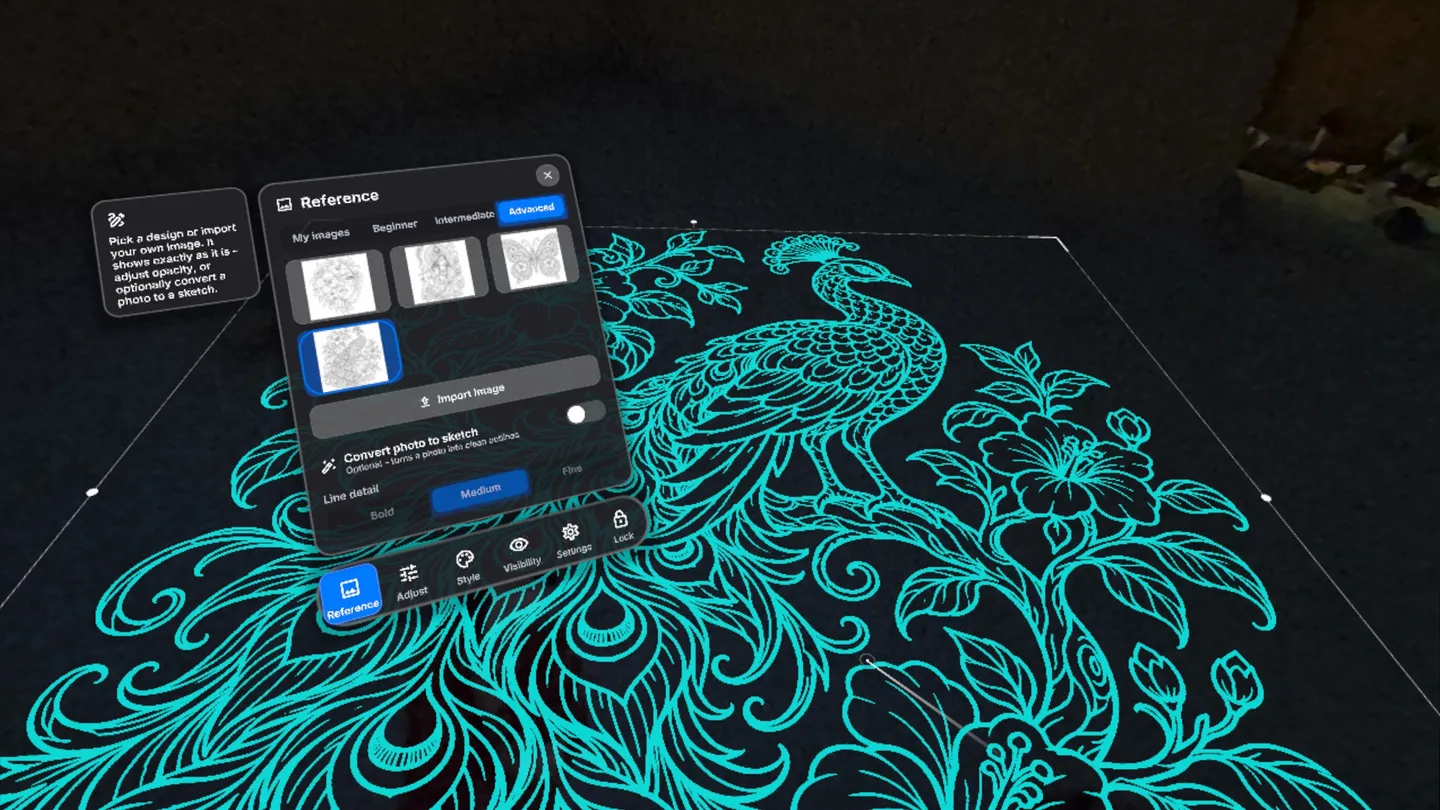
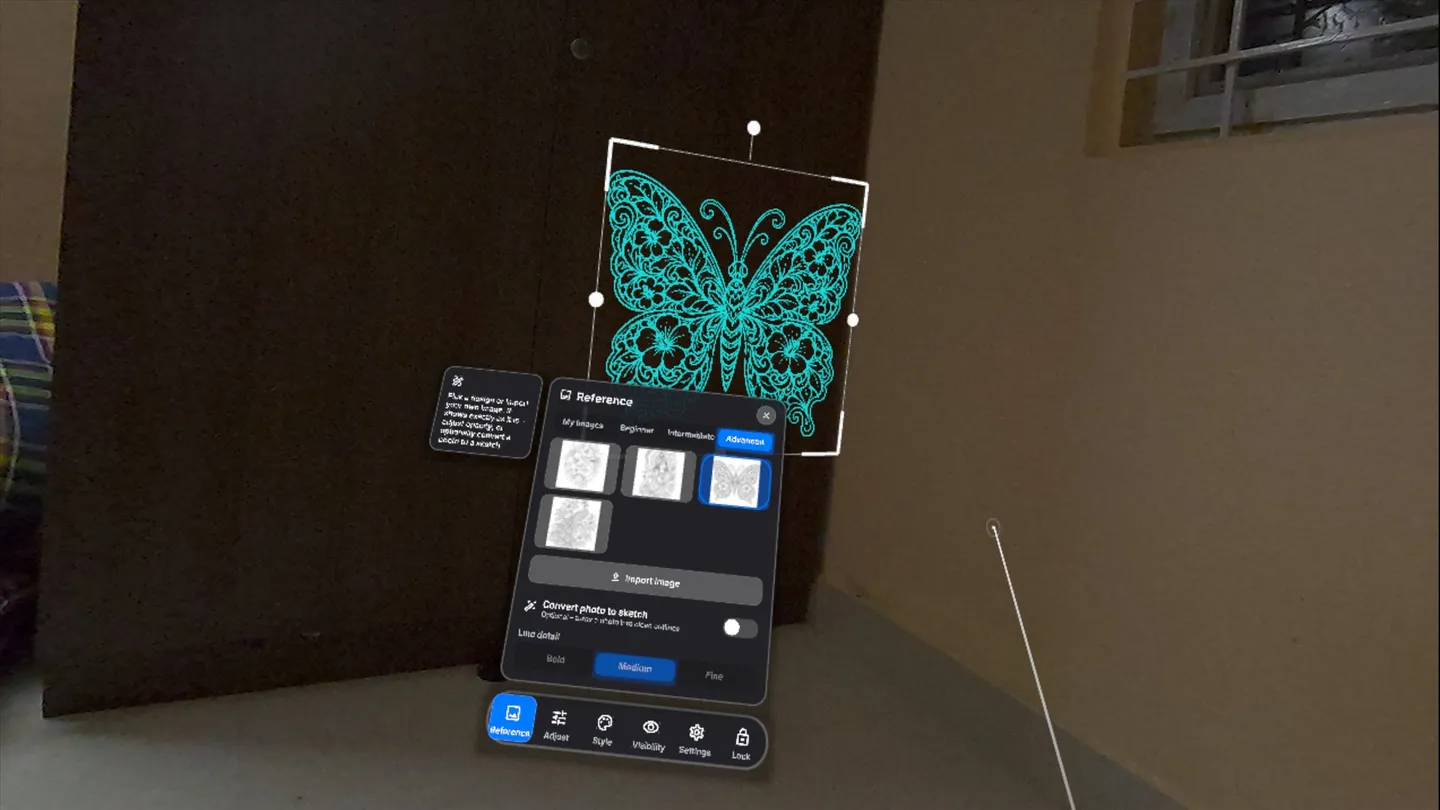
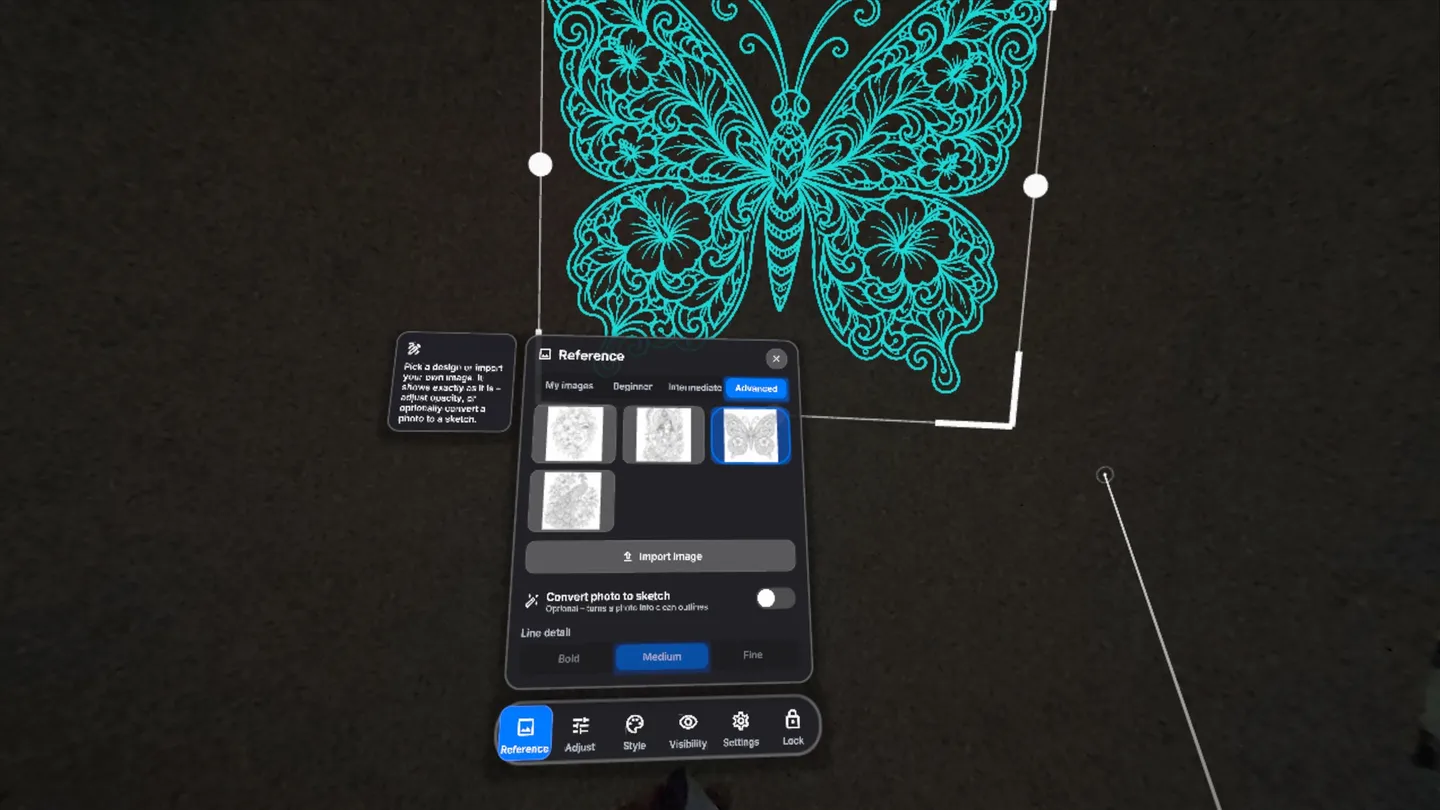
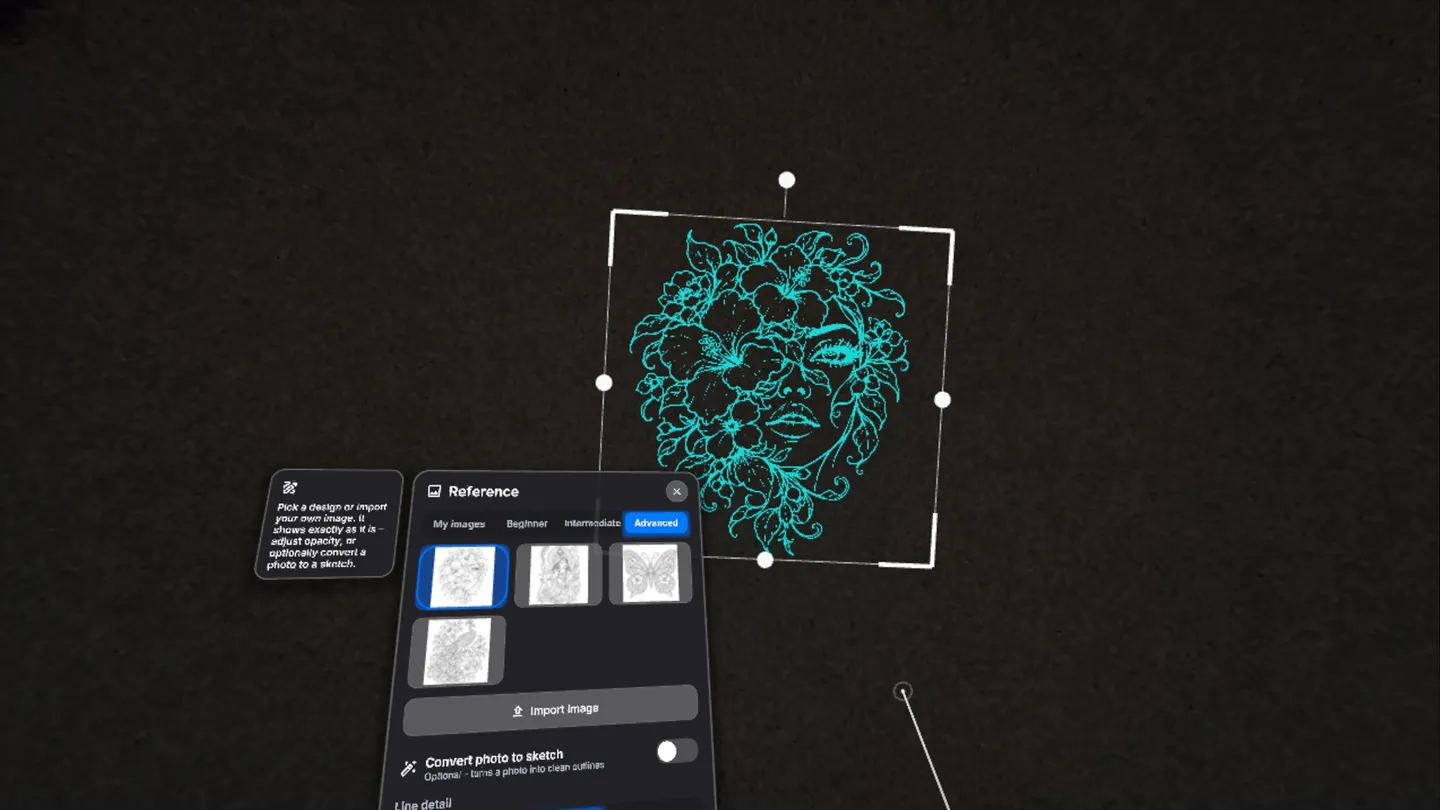
Rekha – Draw on reality.
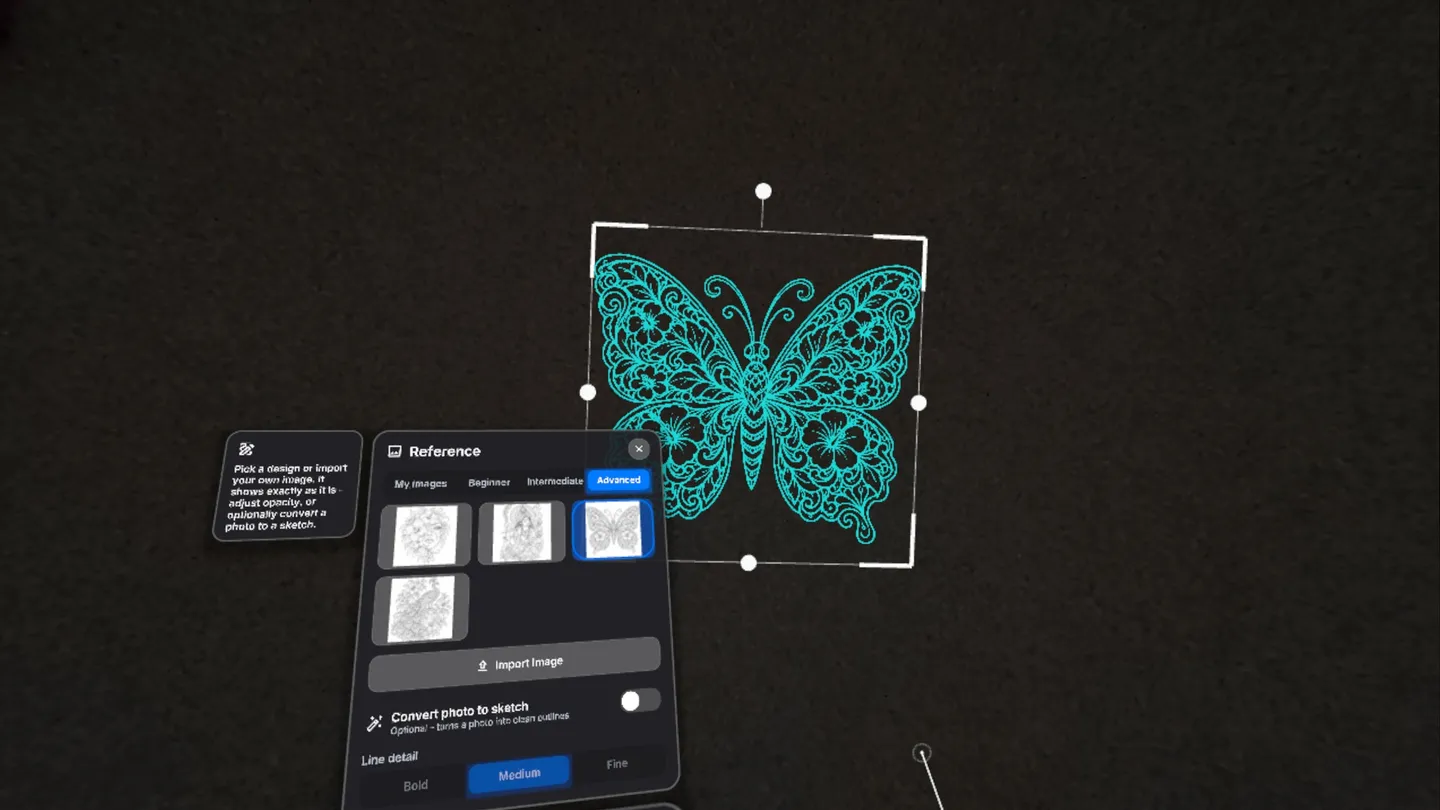
Rekha turns your Meta Quest 3 into a tracing projector. A glowing guide appears on your real wall or floor, and you follow it with real chalk, pencil, brush or paint. The guide is virtual – the art you make is real.
HOW IT WORKS
1. Pick a design from the built-in gallery (Beginner, Intermediate, Advanced) or import your own image from your Meta Quest headset.
2. Place it on any wall, floor or table. Point and pinch to move it, drag the corners to resize, and rotate with a snap to 90°.
3. Lock it. The guide stays fixed to your room while you draw.
4. Trace with real chalk or pencil, then hide the guide to check your work.
FEATURES
• Mixed-reality passthrough with room-anchored placement
• Hand tracking: palm menu, finger taps and pinch-to-drag, or use controllers
• Optional photo-to-sketch: turn any photo into clean outlines (Bold, Medium, Fine)
• Grid overlay (3×3, 6×6, 10×10) for the classic grid drawing method
• Opacity, line colour, mirror and flip
• Precise 3-point calibration with tape marks
• Dark, Light and Midnight themes, click sounds and haptics you can customise
Perfect for rangoli and kolam, wall murals, chalk art, signs and drawing practice.
FREE AND PRIVATE
No ads, no account and no subscription. Rekha works offline and your images never leave your headset.