VR-Plattform auswählen
VR-Plattform auswählen
Meta Quest

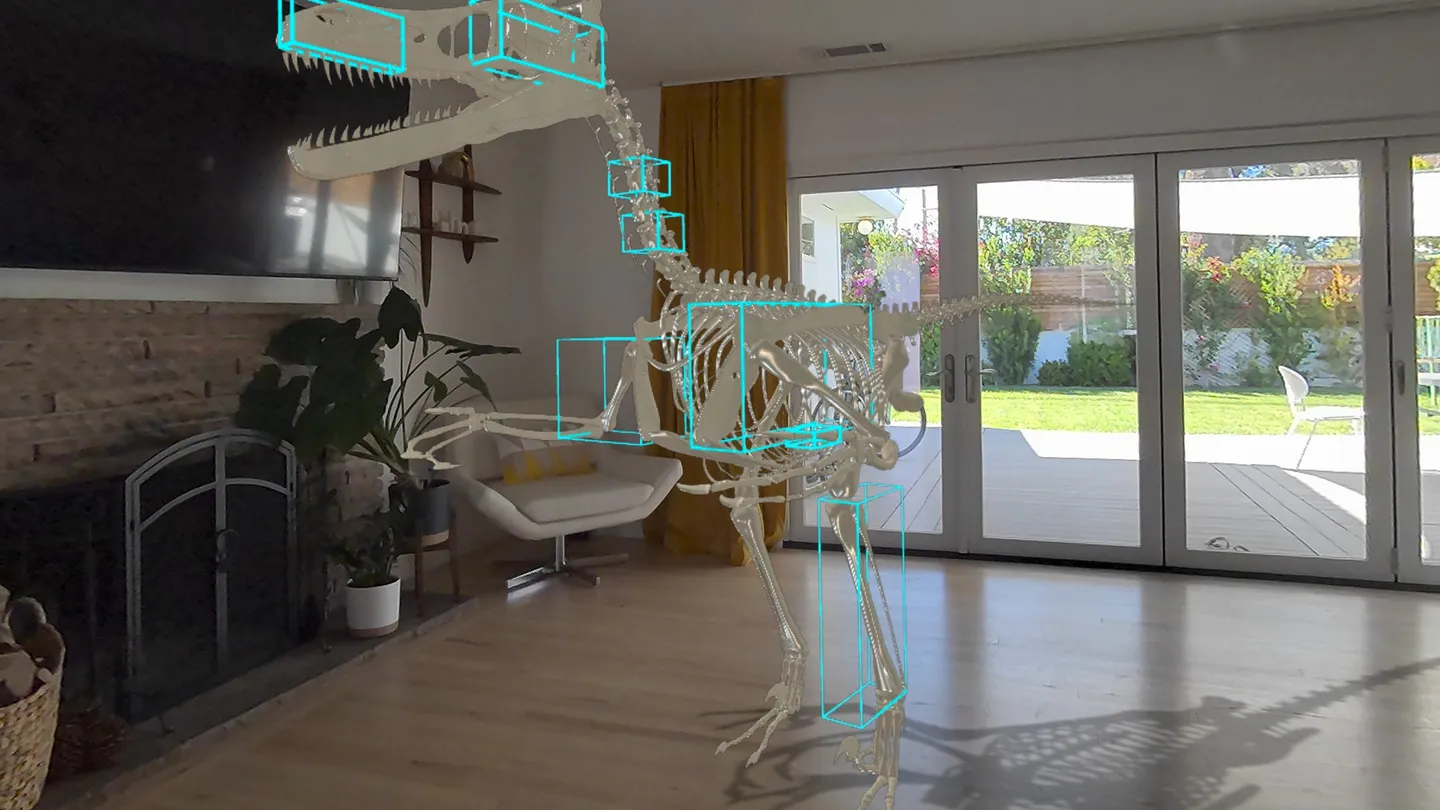
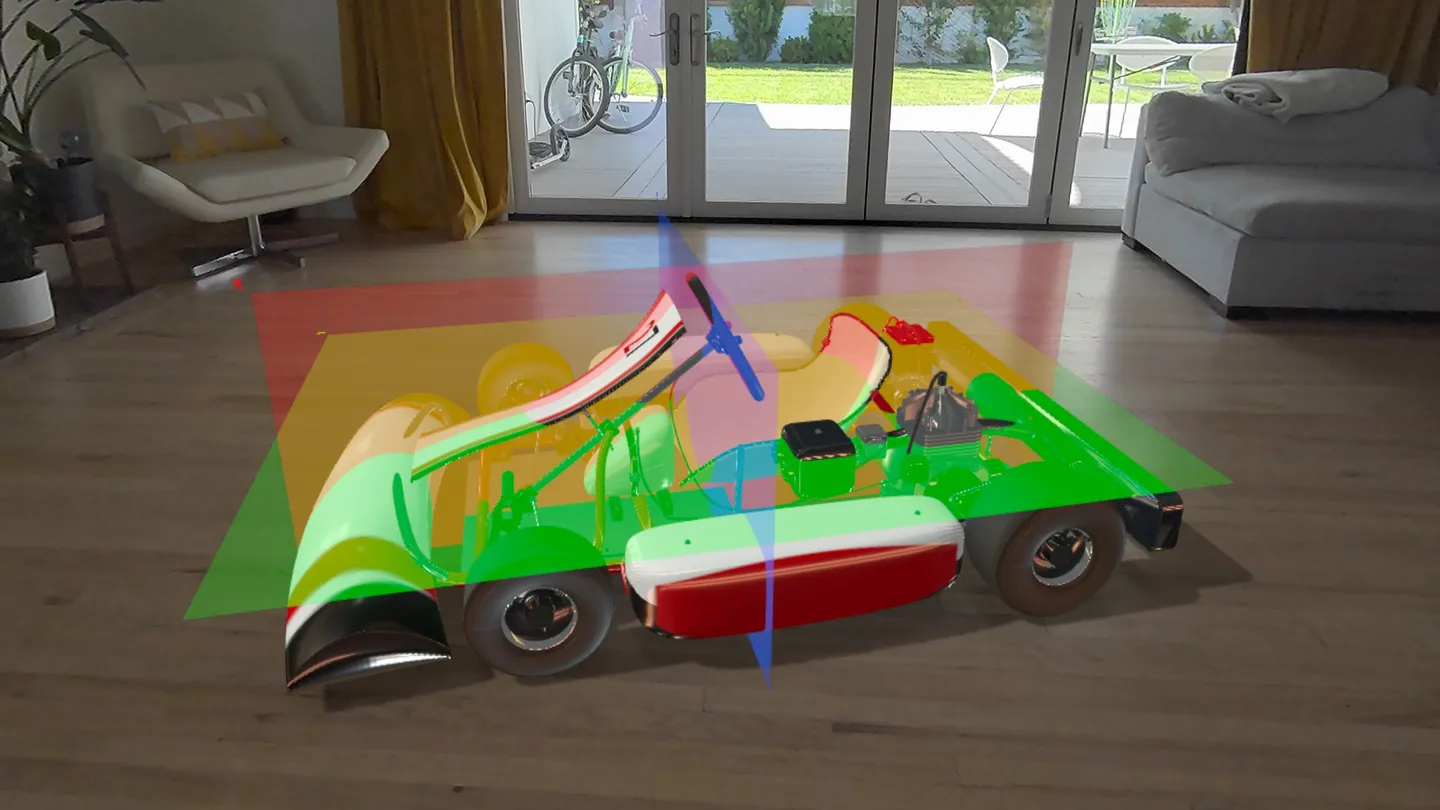
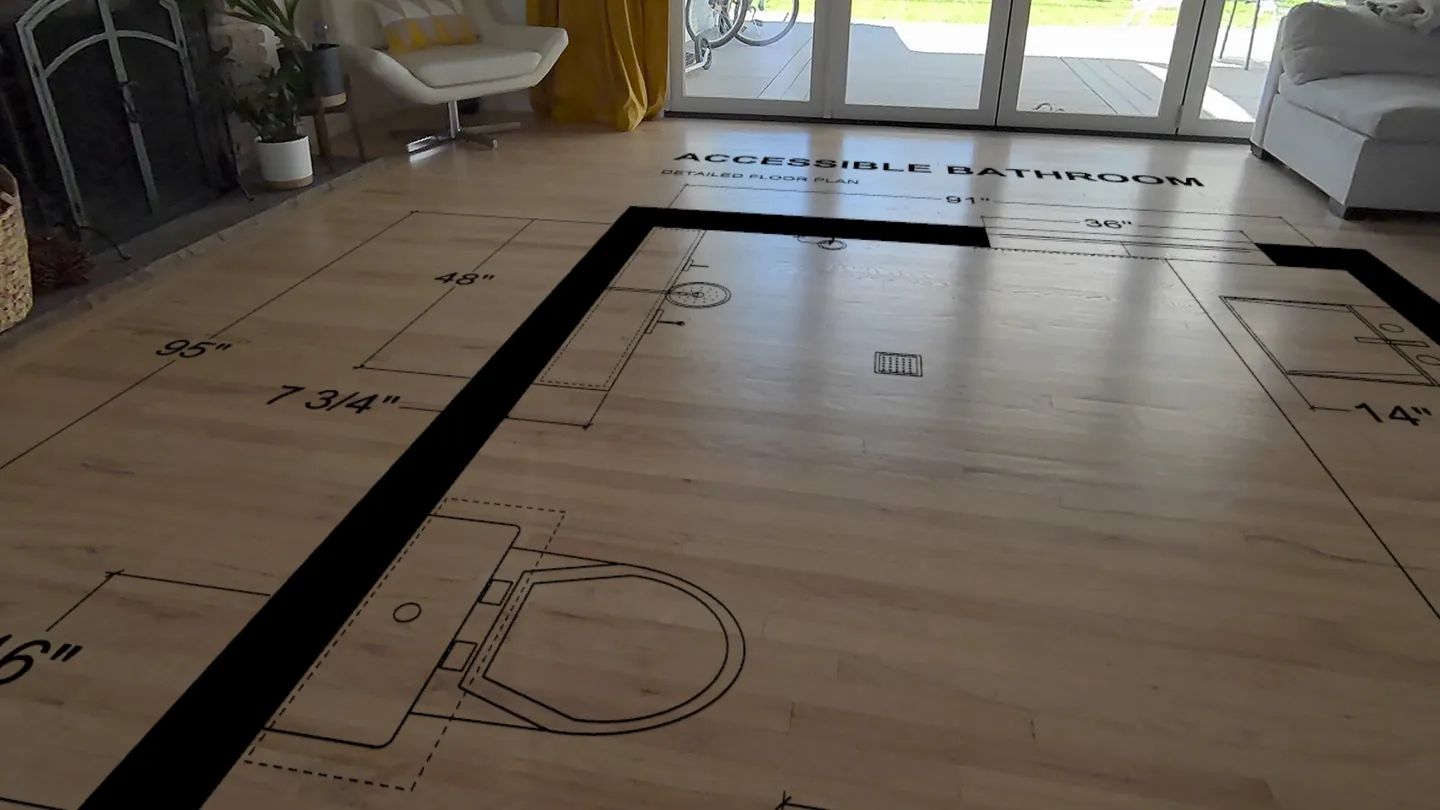
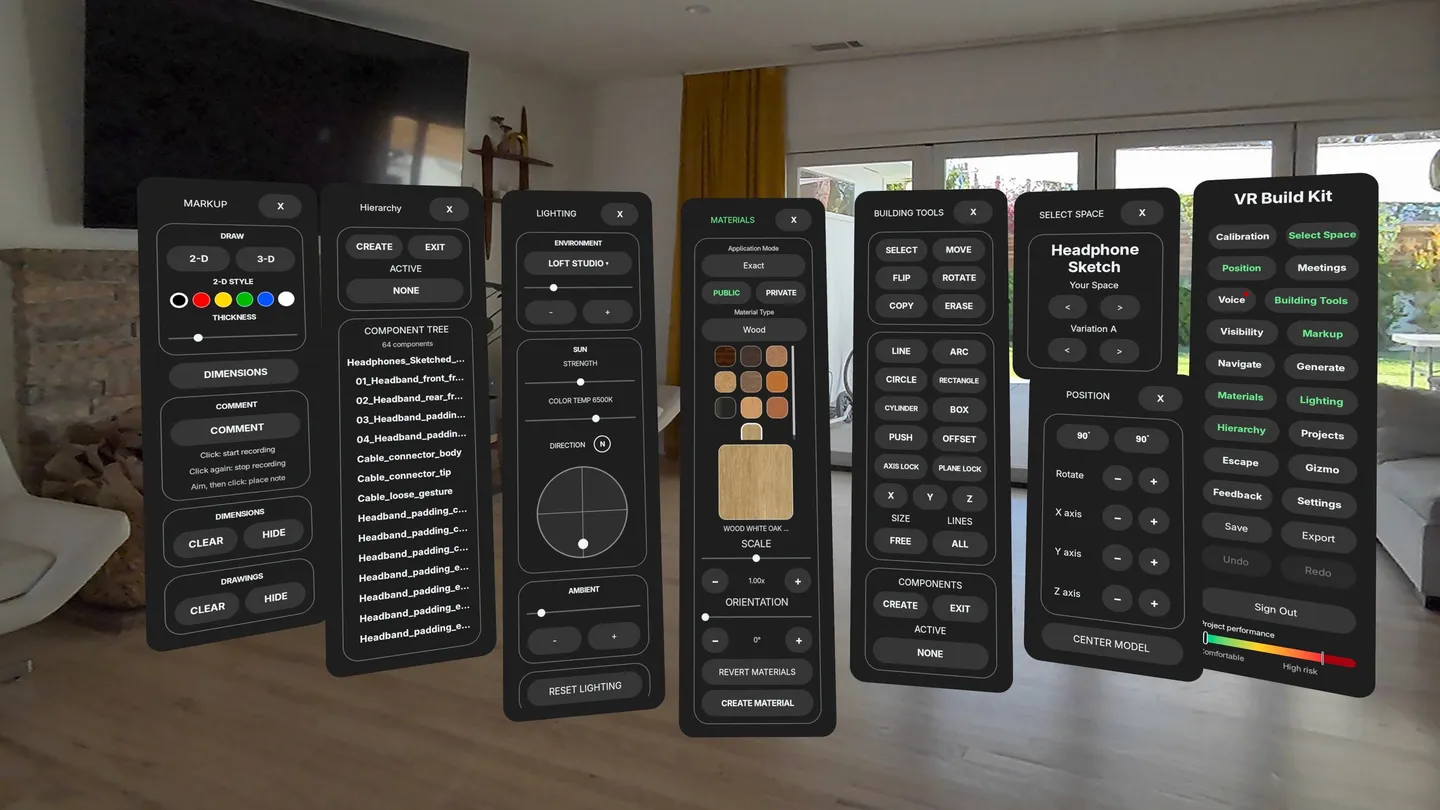
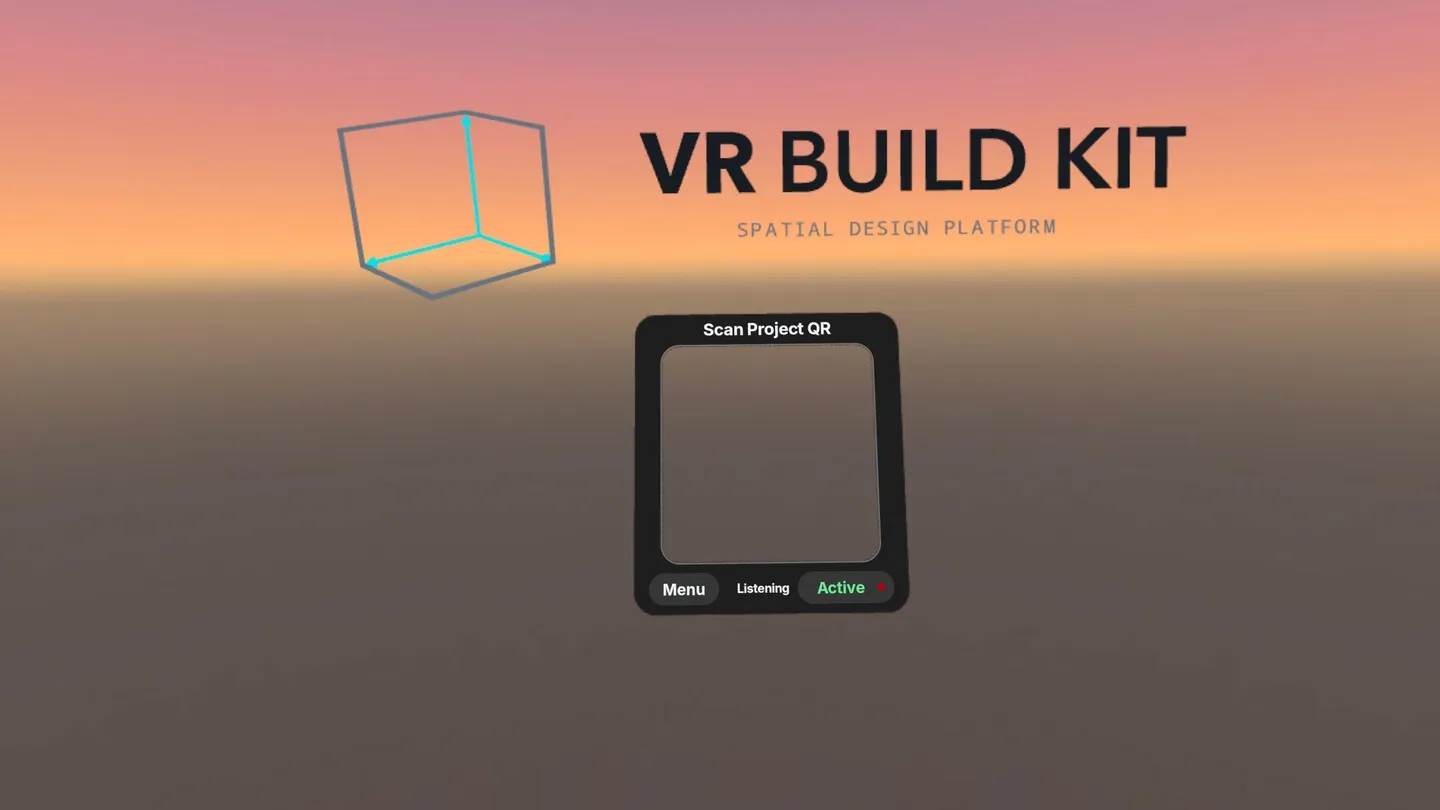
VR Build Kit is a spatial design platform. Build or upload a project on vrbuildkit.com, then open it in your headset at real-world scale, placed in the room you are standing in.
In the headset you can:
• Use your hands or Touch controllers: point and pinch to select, pinch with your left hand for the menu, and touch menu buttons with a fingertip
• Walk around a full-size model with passthrough, so you see your real room at the same time
• Select, move and copy pieces, and change sizes in feet, inches or meters
• Measure, draw lines and add dimensions and comments
• Try materials and lighting, including the sun's position for a real place and time
• Switch between spaces and design variations
• Browse a public 3-D model library and place models in your project
• Use voice commands for common actions (Pro and Enterprise)
• Take photos and record videos of what you see and save them to the project (Pro and Enterprise)
• Present to other people in the same room: everyone sees the model in the same place, with pointers and live edits (Pro and Enterprise)
Getting started: create a free account on vrbuildkit.com from a phone or computer (18+), open a project and choose Show headset QR code, then look at the code with your headset. Nothing is typed in the headset. It works without an internet connection and is better with one. Plans and accounts are managed on vrbuildkit.com.