PlaneAncor
Productivity
Add to wishlist
Share
More

$24.99
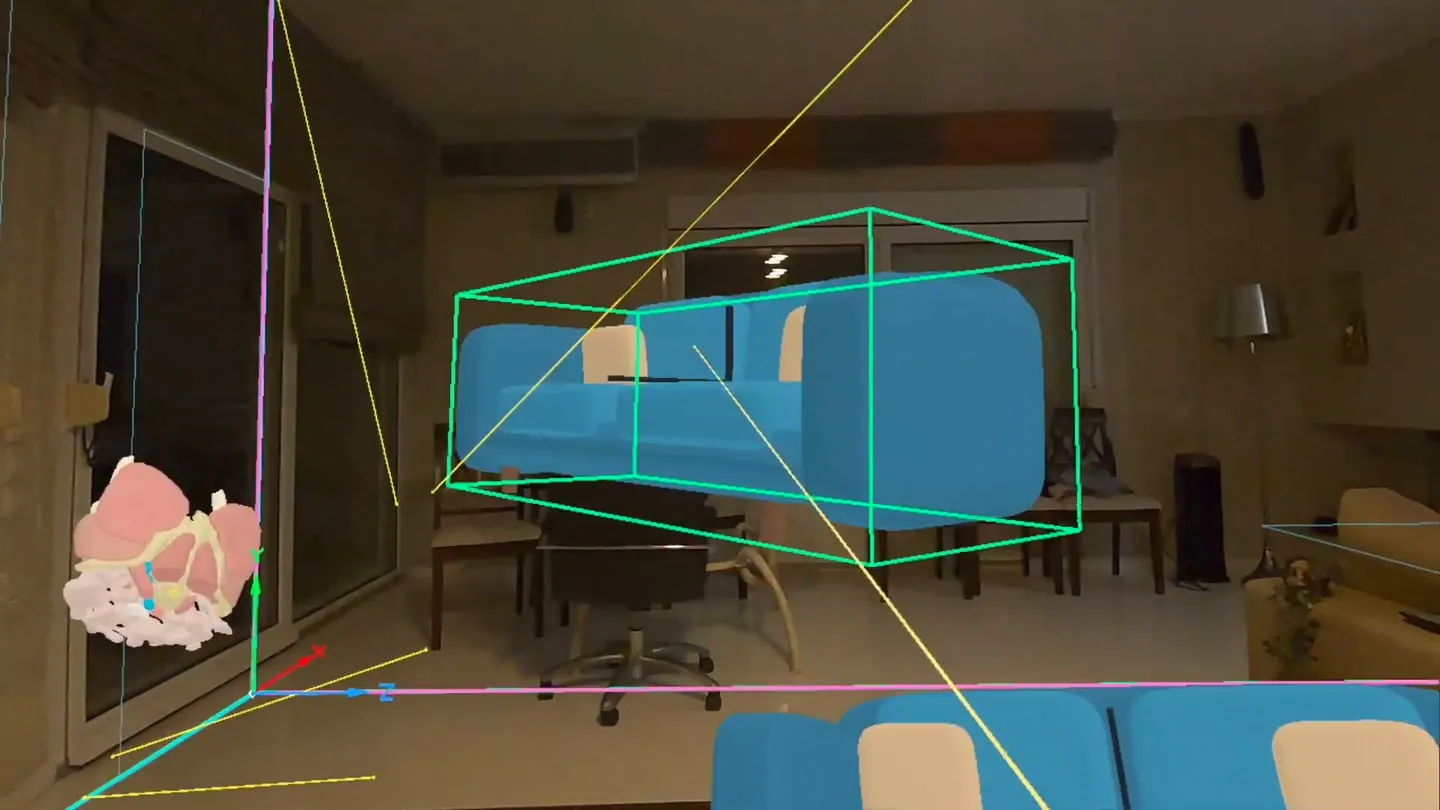
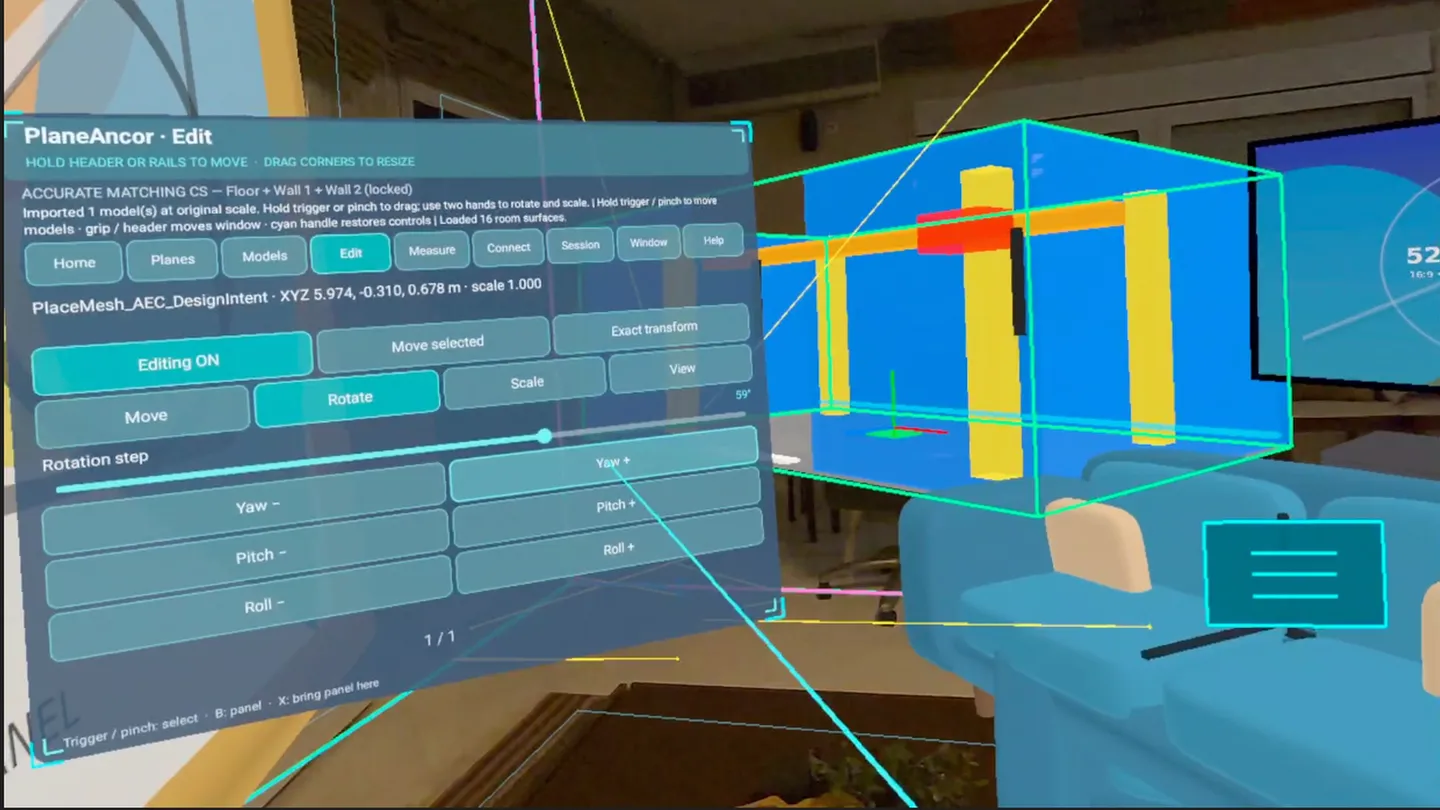
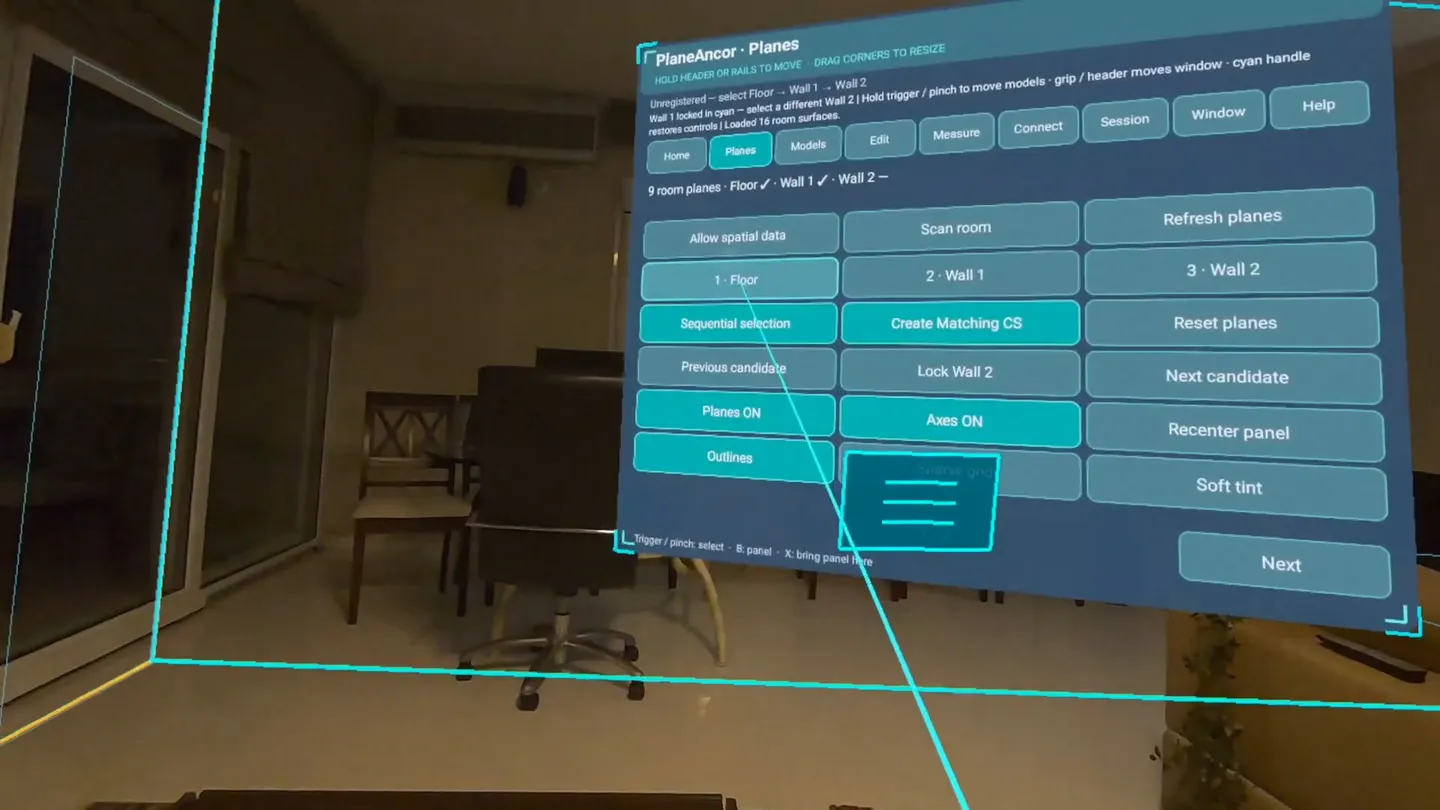
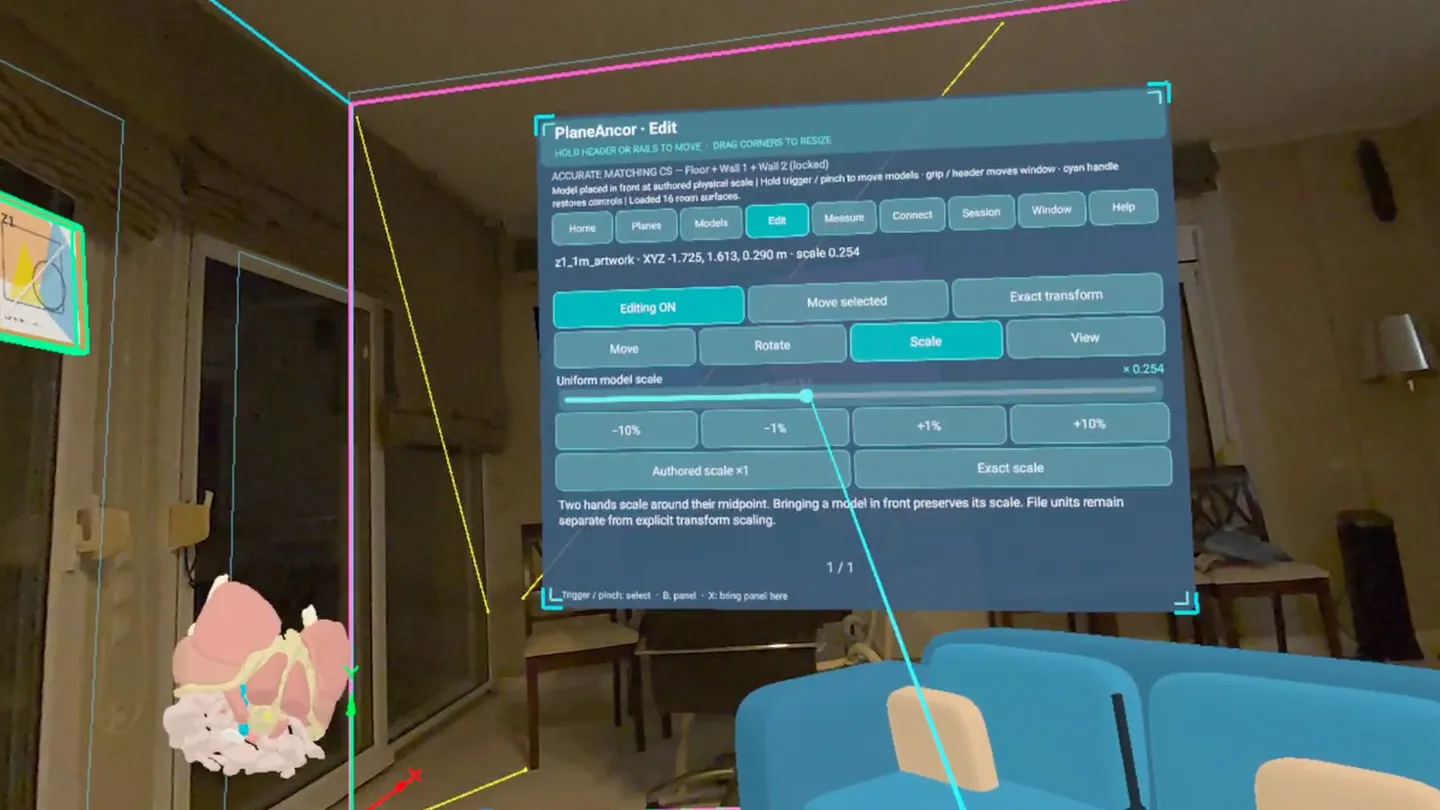
Bring 3D models into your room with PlaneAncor for Meta Quest. Select a floor and two walls from Meta's saved room map to create a visible coordinate frame. Review models in stereo over passthrough, with clear plane outlines and optional sparse grids.
Import FBX, USD, USDA, USDC, USDZ, glTF, GLB, OBJ, STL and PLY. Folder import includes related files and textures. Models appear in front at their source scale. Use hands or Touch controllers to grab, move and rotate models; use two hands to rotate and scale. Move and resize the floating window, or use exact transforms, movement constraints, opacity and wireframe.
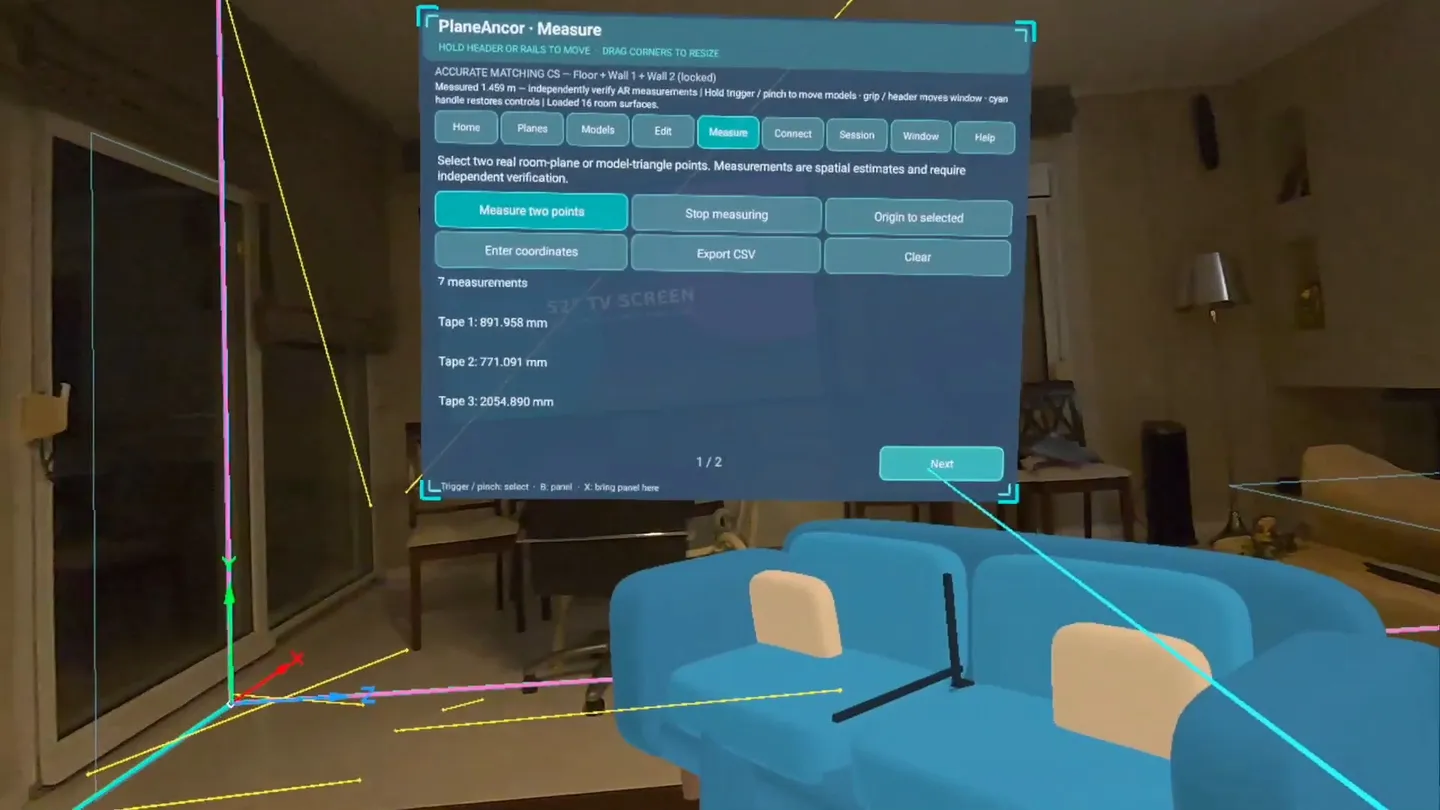
Measure distances on room planes and model surfaces. Review supported uncompressed grayscale CT/MR DICOM series with window/level controls. Save and restore scenes; export measurement CSV, scene JSON, originals and portable scene ZIPs.
Optional encrypted local-network collaboration shares scene data and files with trusted Android/Quest participants. Core tools work offline without an app account or subscription. Includes a 100 mm test cube.
Room surfaces come from Meta Space Setup; this is not live camera scanning. Large or unsupported files may need conversion. Independently verify alignment and measurements. For visualization, engineering review, education and research; not certified surveying, metrology, diagnostic software or surgical navigation.
Support: info@orthopractis.com