Wybierz platformę VR
Wybierz platformę VR
Meta Quest

3,99 USD

YOUR 3D MOVIES, IN REAL 3D
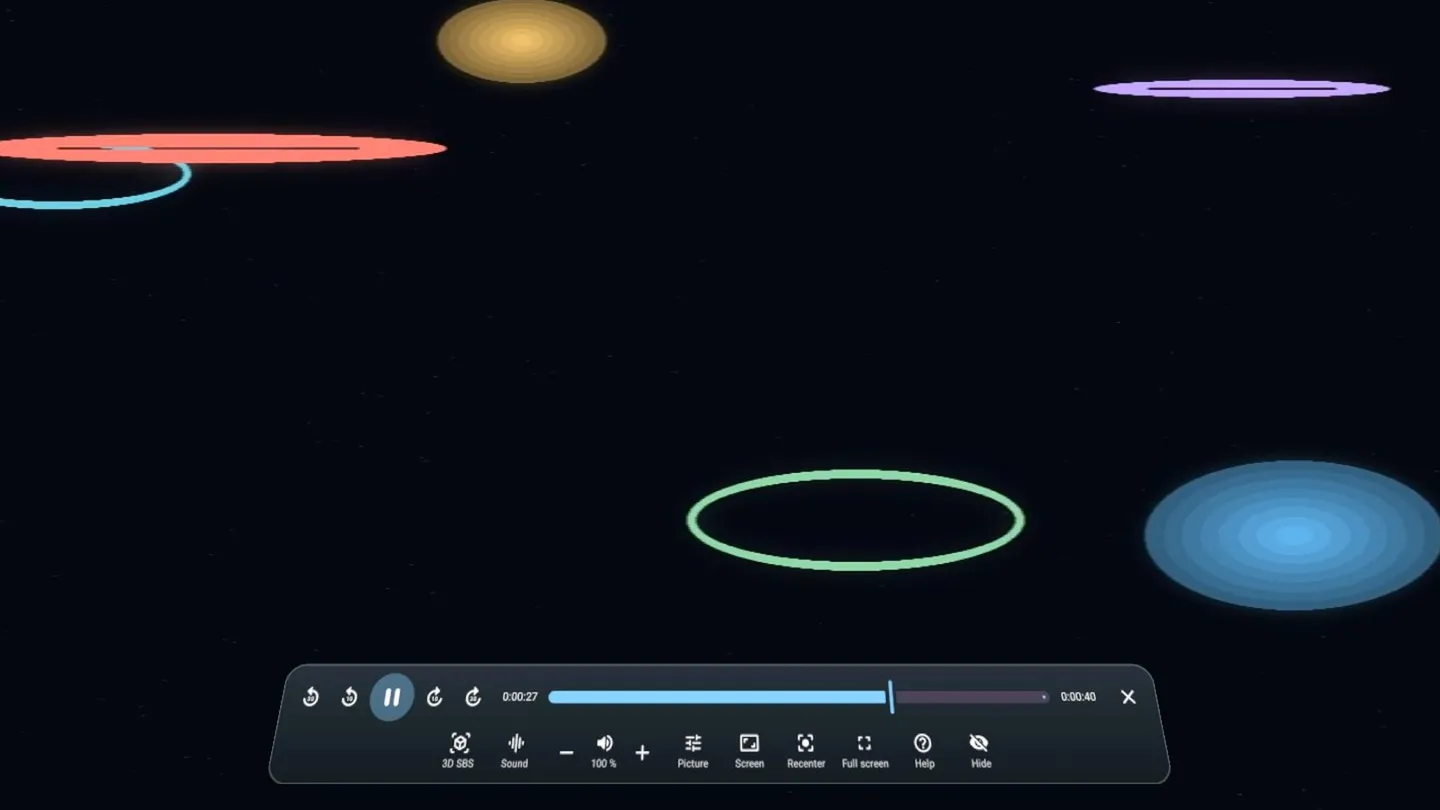
CineWise sends each half of the picture to a different eye, so a 3D movie file has the depth that it was made with. Pick the screen size, from a 40 degree screen to one that fills your view, in the dark.
FROM YOUR OWN NAS
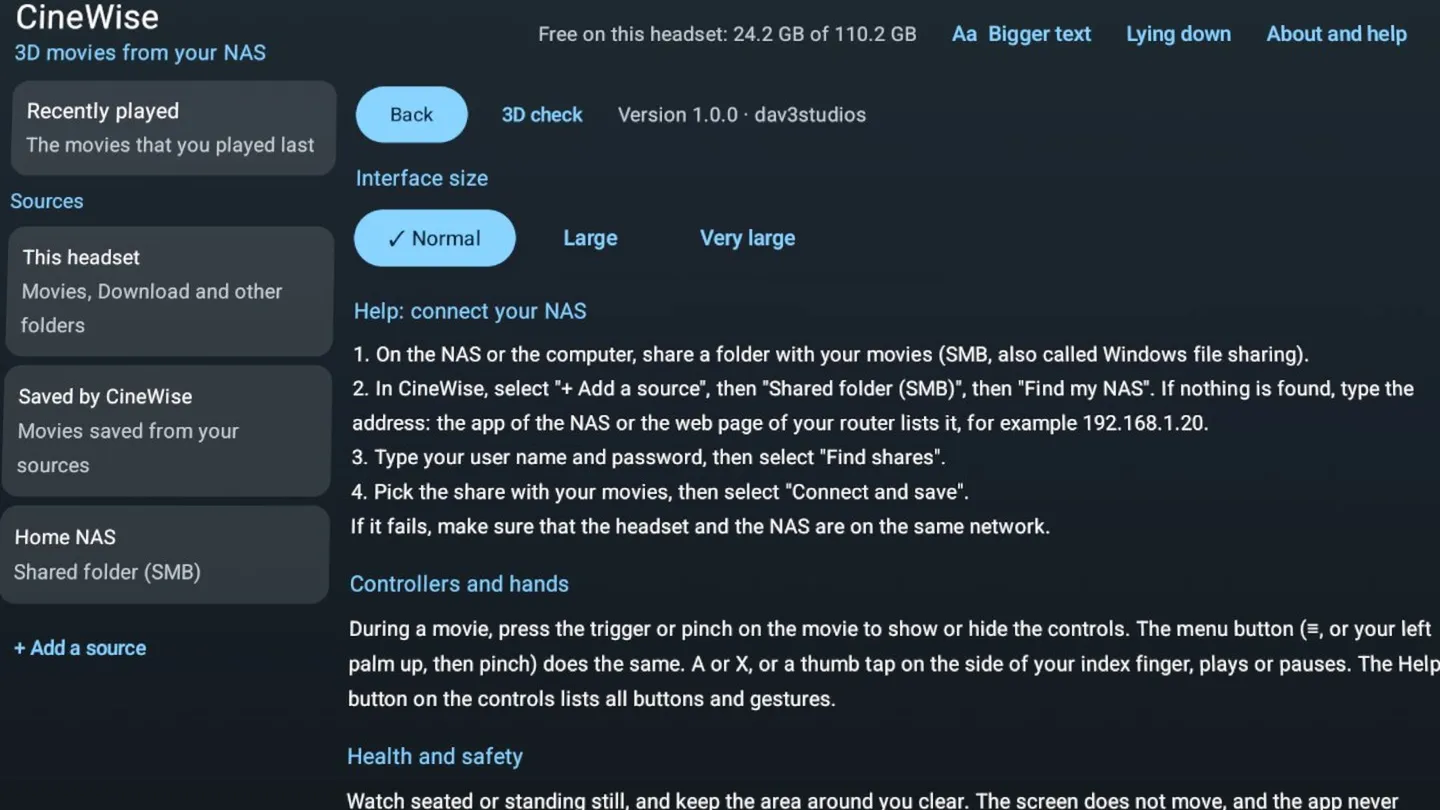
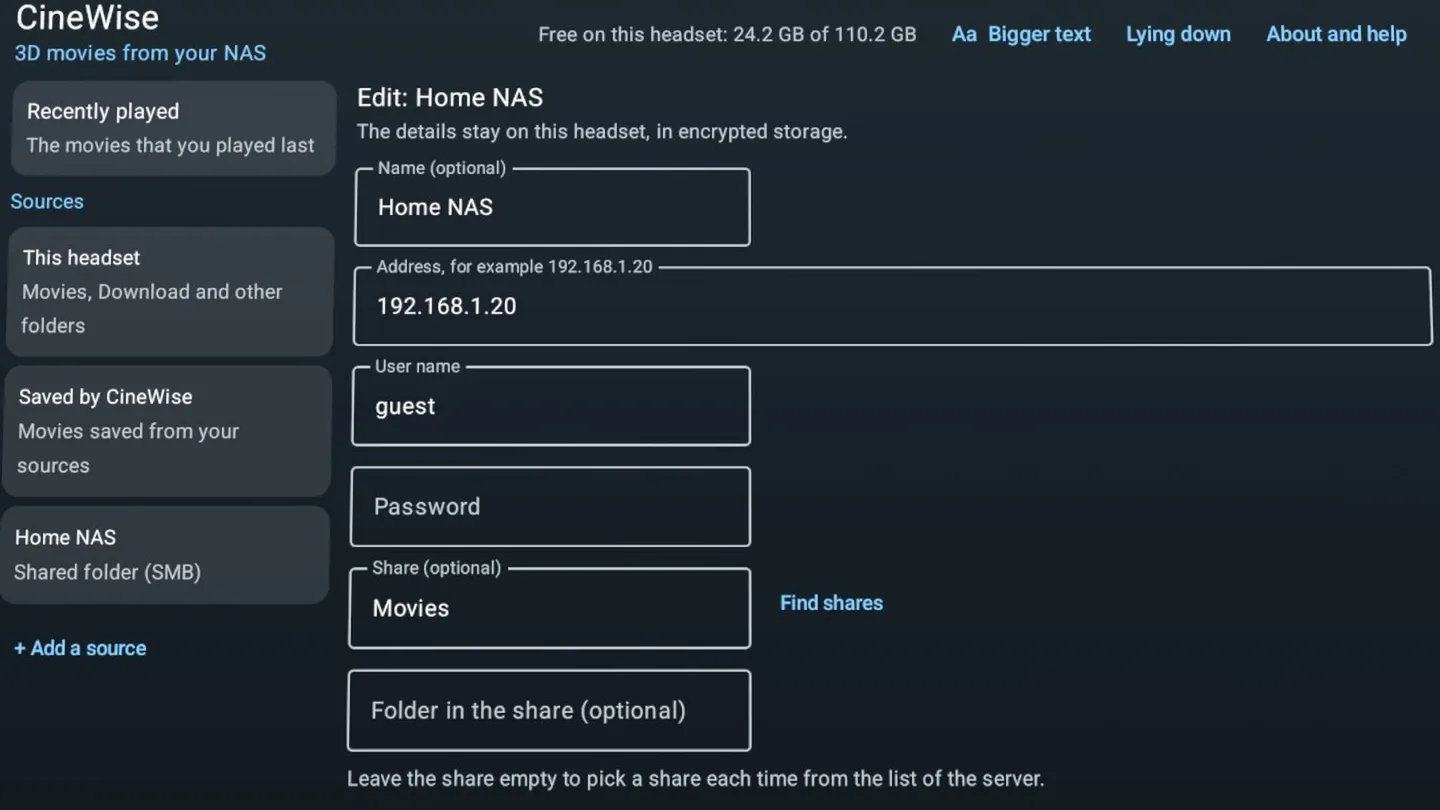
Find your NAS on the home network, or type the address of its shared folder (SMB) once. CineWise lists the MKV, MK3D, MP4 and M4V files in it and plays them straight from the network. You can jump to any point, even in a very large file.
THE RIGHT 3D LAYOUT
CineWise reads the 3D layout from the file and its name: half or full side-by-side, and half or full top-bottom. If a file is labelled wrongly, pick the layout yourself. A 3D check shows a different colour to each eye, so you can see that the 3D works.
SAVE FOR LATER
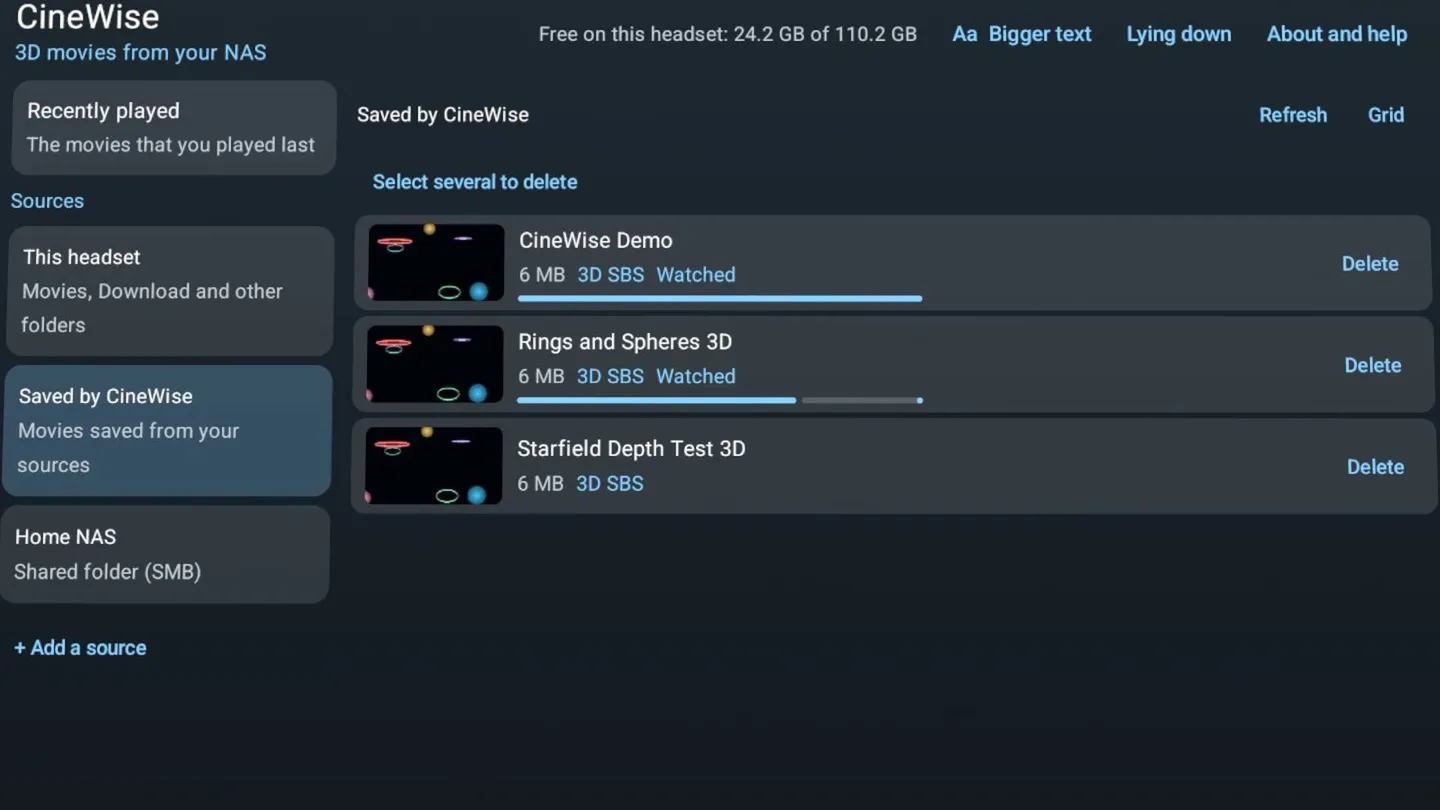
Save a movie to the headset storage with one button and watch it on a journey with no network. Delete it with one button when you are done.
SOUND
Plays the common surround sound formats of movie files and mixes them for the headset speakers or headphones. Pick another sound track, for example another language, from the controls.
PRIVATE
Your NAS sign-in details stay on the headset in encrypted storage, and the app does not send them to us. No ads, no account to create and no in-app purchases.
WHAT YOU NEED
A NAS or computer with a shared folder on the same network as the headset, and 3D movie files that you have the right to play. CineWise comes with no movies.