VR platformunu seç
VR platformunu seç
Meta Quest

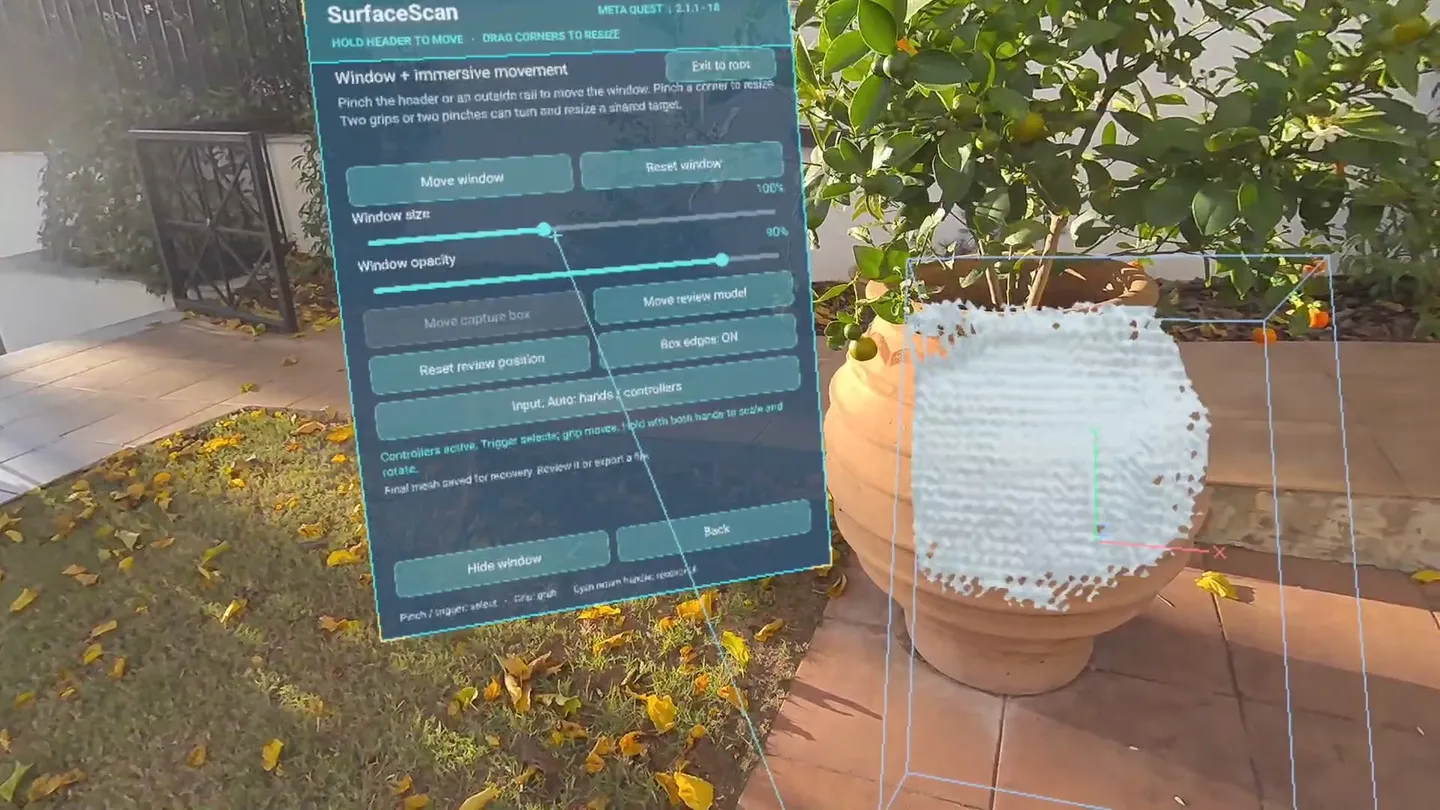
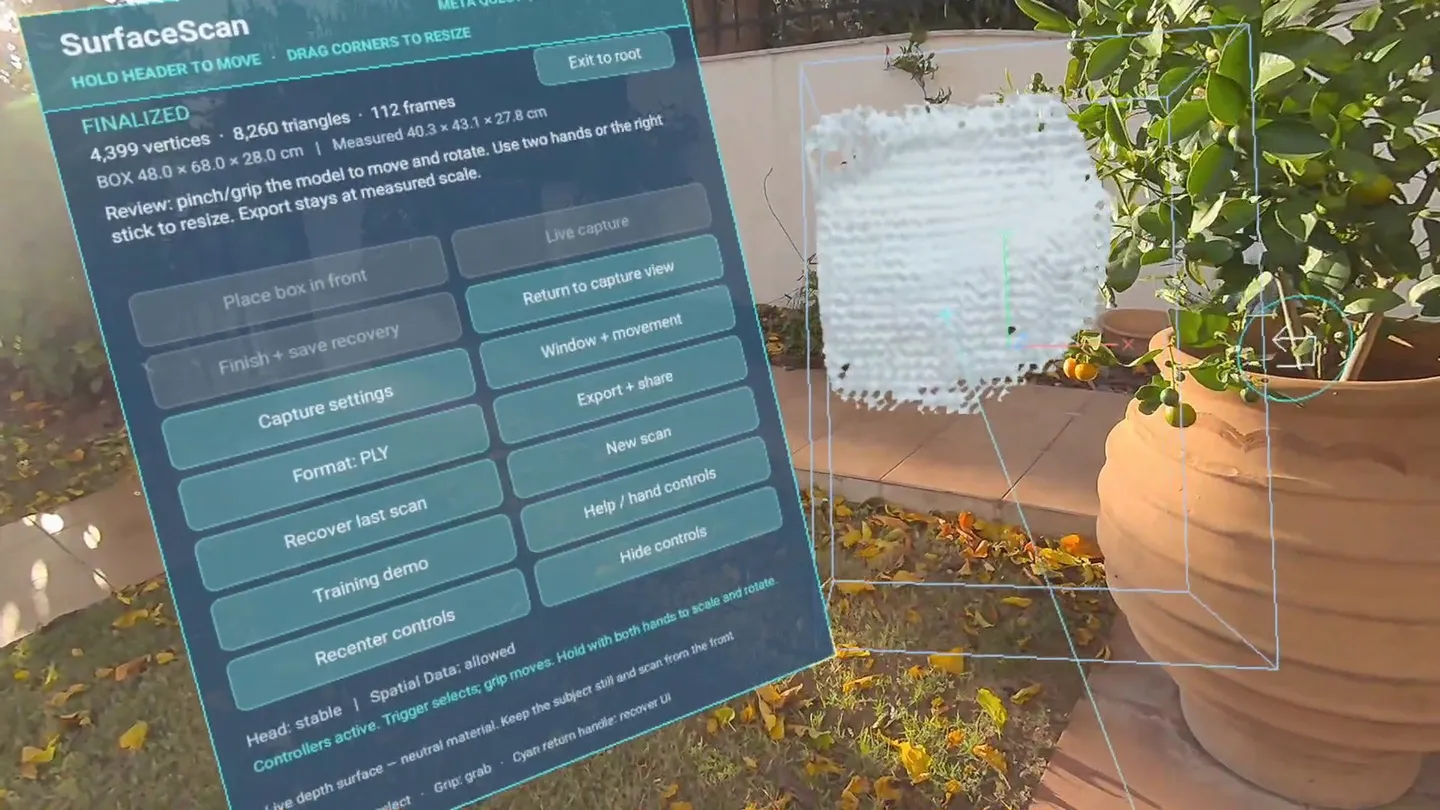
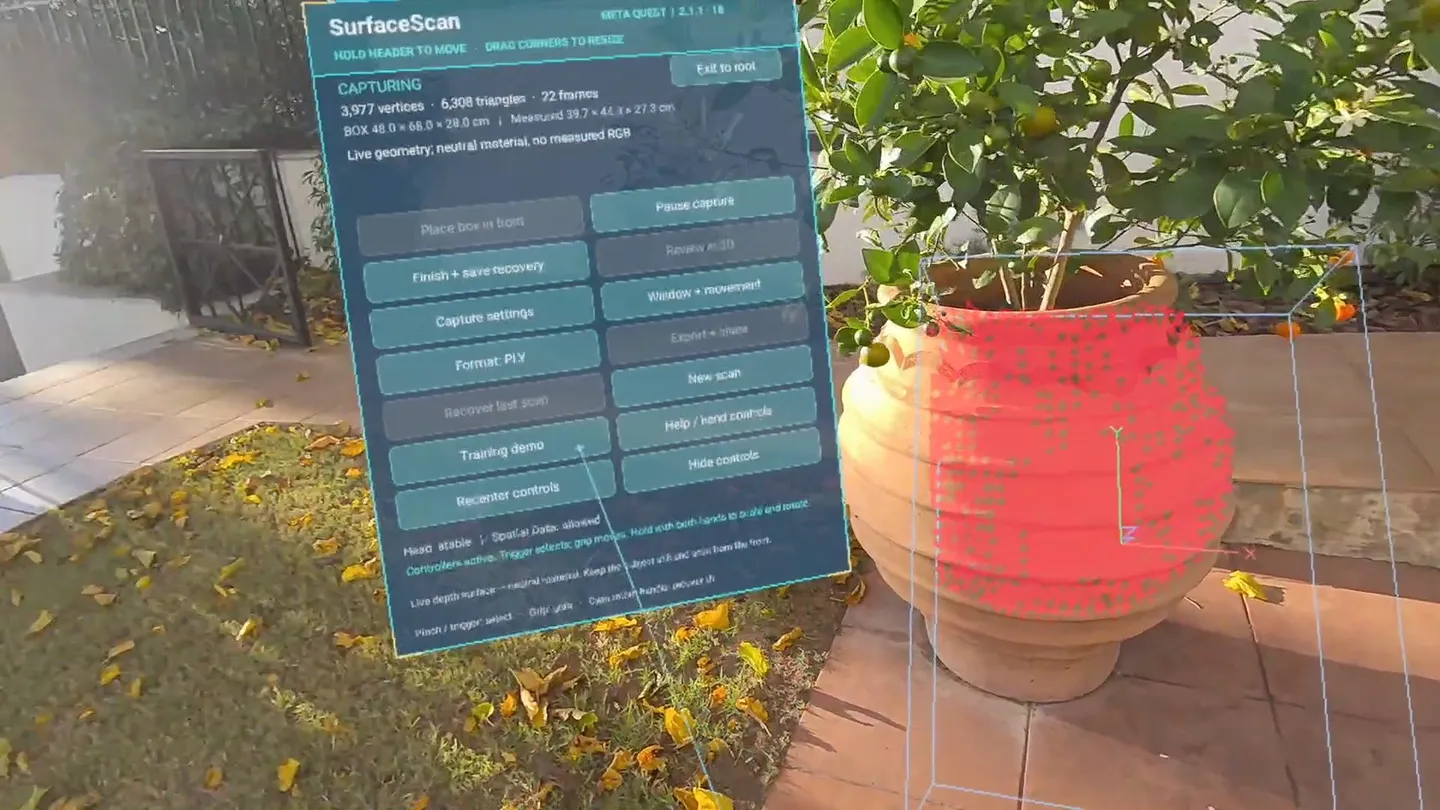
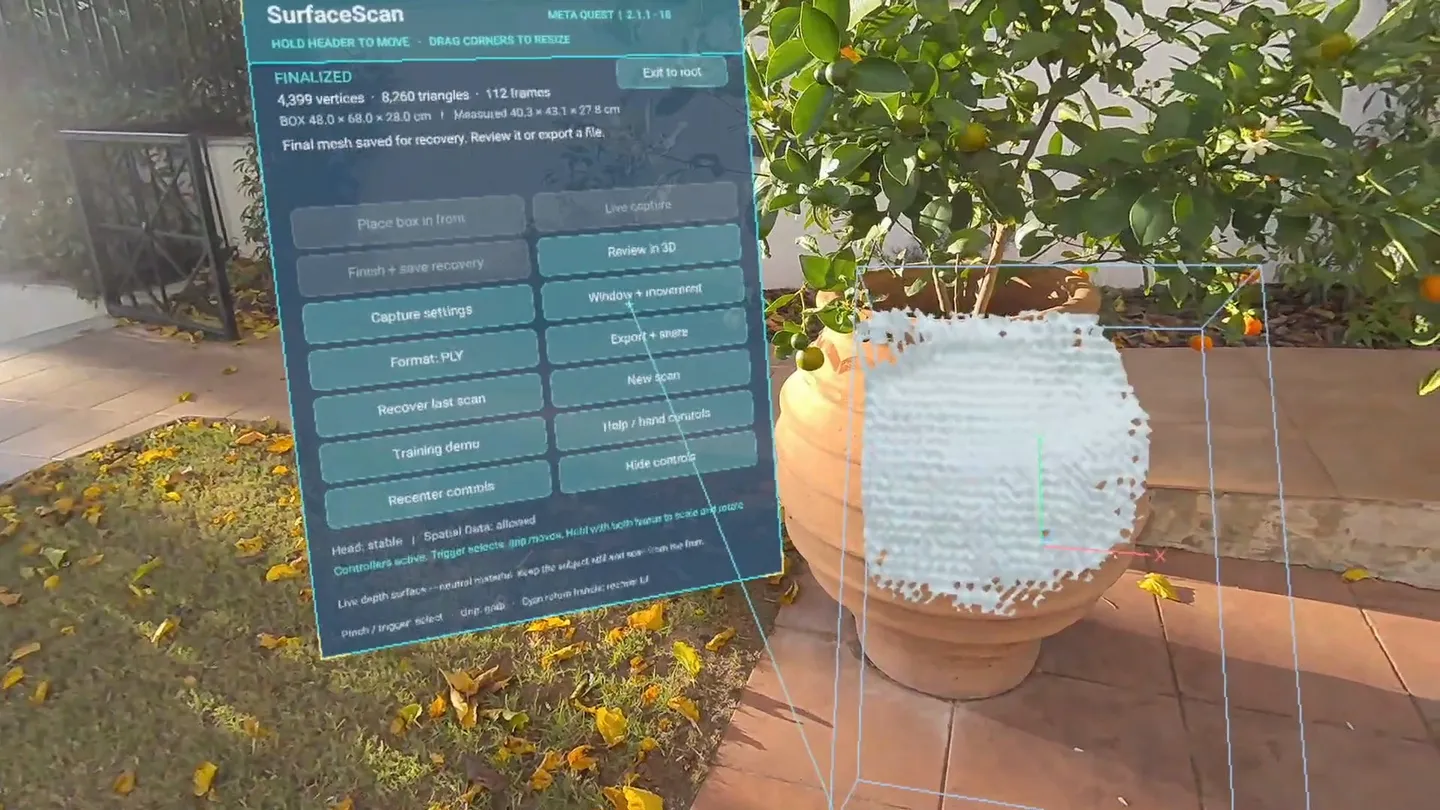
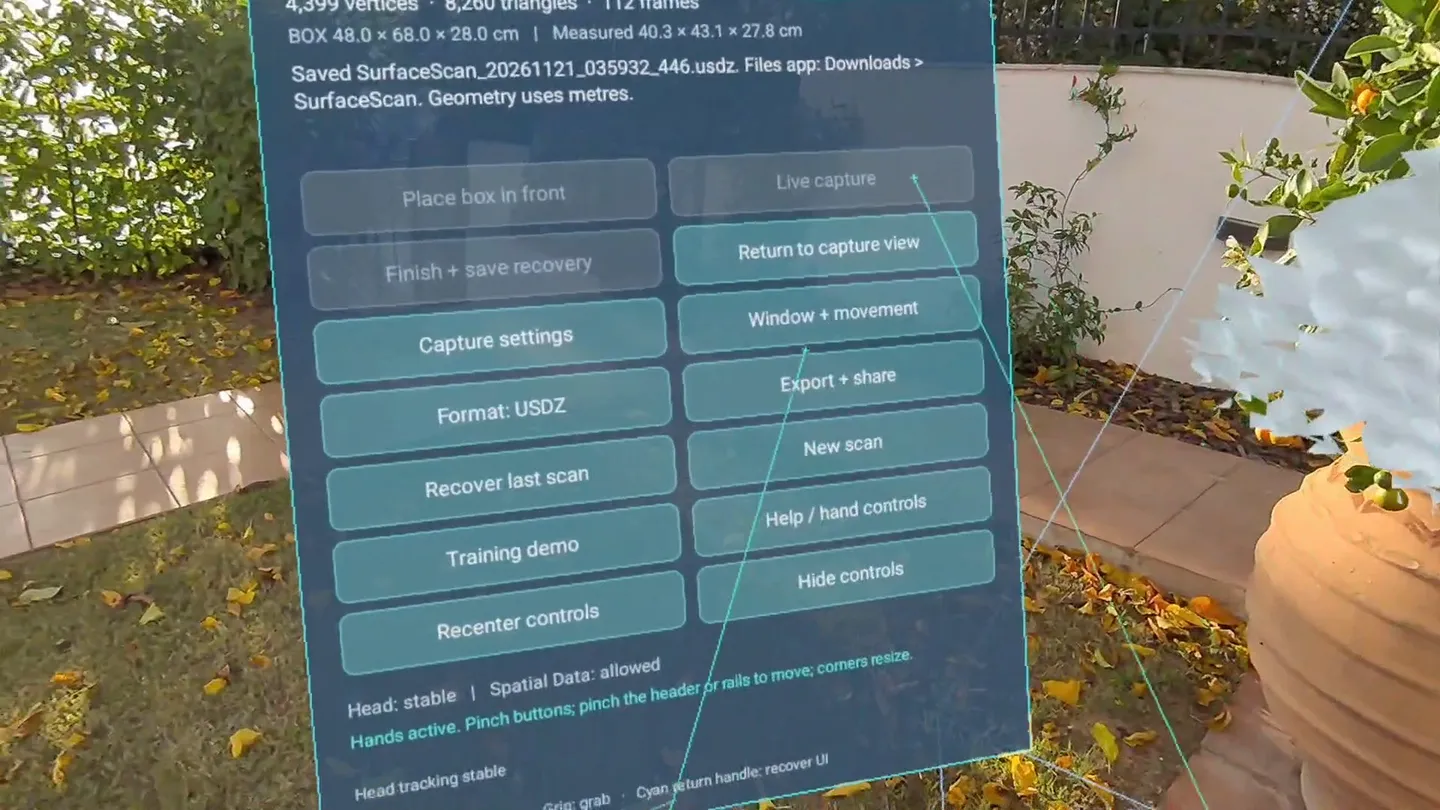
SurfaceScan for Meta Quest 3 and Quest 3S captures bounded front-surface geometry in an immersive workspace.
Place and resize the transparent capture box around a stationary surface. Grant Spatial Data permission, start Live capture, then pause and finish the scan. Adjust sampling and preview quality with sliders. Use Touch controllers or optional tracked hands to operate controls, move and resize the floating window, and manipulate a finished model. Review transforms affect the display only; export dimensions stay unchanged.
Finish saves one private recovery mesh. A newer finalized scan replaces it. Recover the last scan for 3D review, or delete it in Capture settings. Export PLY, OBJ, STL, GLB, USDA or USDZ to Downloads/SurfaceScan, then optionally share. Cancelling sharing keeps the exported file. Manage exported and shared copies separately. STL uses millimetres; other formats use metres. Receiving-app compatibility varies.
Capture requires supported Environment Depth and stable tracking. This is one bounded front surface, not a watertight 360-degree scan. Mesh colour is neutral; raw RGB images and passthrough video are not recorded. The labelled synthetic demo supports practice without live capture.
Processing is local. No app account, ads, subscription or automatic scan upload. For education, research and general technical review; no claim of clinical validation, certified accuracy, diagnosis, treatment or surgical navigation.